

Stacks of pending work orders can quickly become chaos when maintenance priorities are unclear. For maintenance managers across North America, untangling these demands is more than just paperwork—it is about protecting asset reliability and avoiding costly downtime. This guide walks you through the steps for optimising work order management, giving you practical tools to set clear priorities, improve workflow structure, and keep every technician focused on tasks that truly matter.
Table of Contents
- Step 1: Define Maintenance Requirements And Priorities
- Step 2: Configure Digital Work Order Templates
- Step 3: Assign Resources And Schedule Tasks
- Step 4: Monitor Real-Time Progress And Update Records
- Step 5: Verify Completion And Analyse Results
Quick Summary
| Key Message | Explanation |
|---|---|
| 1. Define maintenance priorities clearly | Establish a structured prioritisation of maintenance tasks based on operational impact to improve decision-making and efficiency. |
| 2. Use digital work order templates | Standardise work order processes with templates to ensure consistency and efficiency in capturing important job information. |
| 3. Schedule tasks efficiently | Match technician qualifications and workload with job requirements to optimise scheduling and enhance operational flow. |
| 4. Monitor real-time job progress | Implement real-time tracking of job completions to make informed decisions and respond promptly to any emerging issues. |
| 5. Verify completion thoroughly | Ensure all tasks are genuinely completed and documented accurately to uphold quality standards and prevent future complications. |
Step 1: Define maintenance requirements and priorities
You’re staring at a stack of work orders. Some are marked urgent. Others aren’t. But how do you really know which ones matter most? This is where defining your maintenance requirements and priorities becomes your foundation. Without clear criteria, you’re essentially guessing, and guessing costs you time and money.
Start by auditing your equipment inventory. List every asset in your operation, from rooftop units to commercial boilers. For each piece of equipment, document its age, manufacturer specifications, warranty conditions, and performance history. This isn’t busywork. You need to understand what each asset actually requires to function reliably. Some units demand monthly inspections. Others might need quarterly servicing. The manufacturer’s guidelines provide the baseline, but your operational data tells you the real story.
Next, establish priority tiers based on operational impact. Critical systems that affect revenue or safety must sit at the top. If a rooftop unit fails during peak season, your client loses comfort and you lose credibility. Secondary systems can wait slightly longer. Non-essential components get lower priority. When you adopt preventive maintenance strategies, your maintenance requirements become the framework that makes those strategies actually work.
Document your criteria clearly. Create a simple matrix showing which assets fall into which categories and why. Share this with your team. When everyone understands that the emergency chiller repair trumps the routine filter swap, decisions become faster and less contentious. Your technicians stop asking whether they should handle the commercial account first because the priority structure already answered that question.
Here is a summary of maintenance priority tiers and their operational impact:
| Priority Tier | Example Equipment | Impact if Failed | Typical Response Time |
|---|---|---|---|
| Critical | Rooftop units, chillers | Revenue, safety affected | Immediate (within hours) |
| Secondary | Secondary pumps, controls | Comfort or efficiency | Next working day |
| Non-essential | Exhaust fans, filters | Minimal disruption | Within a week |
Don’t set this once and forget it. Your requirements and priorities shift as your client base changes, as equipment ages, and as seasonal patterns emerge. Review your maintenance matrix quarterly. Add new equipment to your system. Remove assets that have been retired. This living document keeps your operation responsive rather than reactive.
Pro tip: Create severity ratings tied to response time, not just importance. Equipment that fails without warning gets a higher urgency tier than equipment showing degradation patterns, allowing your team to allocate technicians based on actual risk rather than guesswork.
Step 2: Configure digital work order templates
You’ve defined what needs fixing and when. Now comes the machinery that makes it all happen. Digital work order templates transform your maintenance process from chaotic to repeatable. When technicians start each job with a properly configured template, they’re not improvising anymore. They’re following a proven path.
Think of templates as blueprints for consistency. Work order templates define the layout and fields to ensure that every job captures the same critical information. You’ll want to identify which fields are mandatory. Asset type, location, client contact details, equipment history. These shouldn’t be optional. Then add conditional fields that appear only when relevant. A heating repair template doesn’t need cooling system diagnostics.
Start by mapping out your most frequent job types. Commercial HVAC maintenance looks different from emergency repairs. Seasonal inspections differ from warranty work. Create a separate template for each major category. Within each template, arrange sections logically. Begin with basic identification information, then move to technical requirements, safety considerations, and customer-specific notes. Your technicians will move through these faster because they follow natural workflow patterns.
Build in mandatory fields for accountability and data quality. Require technician sign-off, completion dates, and parts used. This isn’t about distrust. It’s about creating records that matter. When you need to revisit why a particular unit failed repeatedly, your template data becomes your evidence. Populate common fields with dropdown options where possible. Dropdown menus reduce typing errors and speed up form completion significantly.
Test your templates before rolling them out to your full team. Have a few technicians use them on real jobs and gather feedback. Are they clicking through unnecessary screens? Missing critical information? Refine based on actual usage, not assumptions. Templates that worked perfectly in theory often need tweaking in practice.
Pro tip: Include a “Notes” section with character limits rather than unlimited fields, as this encourages technicians to document efficiently whilst preventing rambling entries that are difficult to search or analyse later.
Step 3: Assign resources and schedule tasks
Your work orders are defined. Your templates are configured. Now you need to get the right person to the right job at the right time. This is where assignment and scheduling separates efficient operations from constant firefighting. Poor scheduling creates bottlenecks. Good scheduling creates momentum.
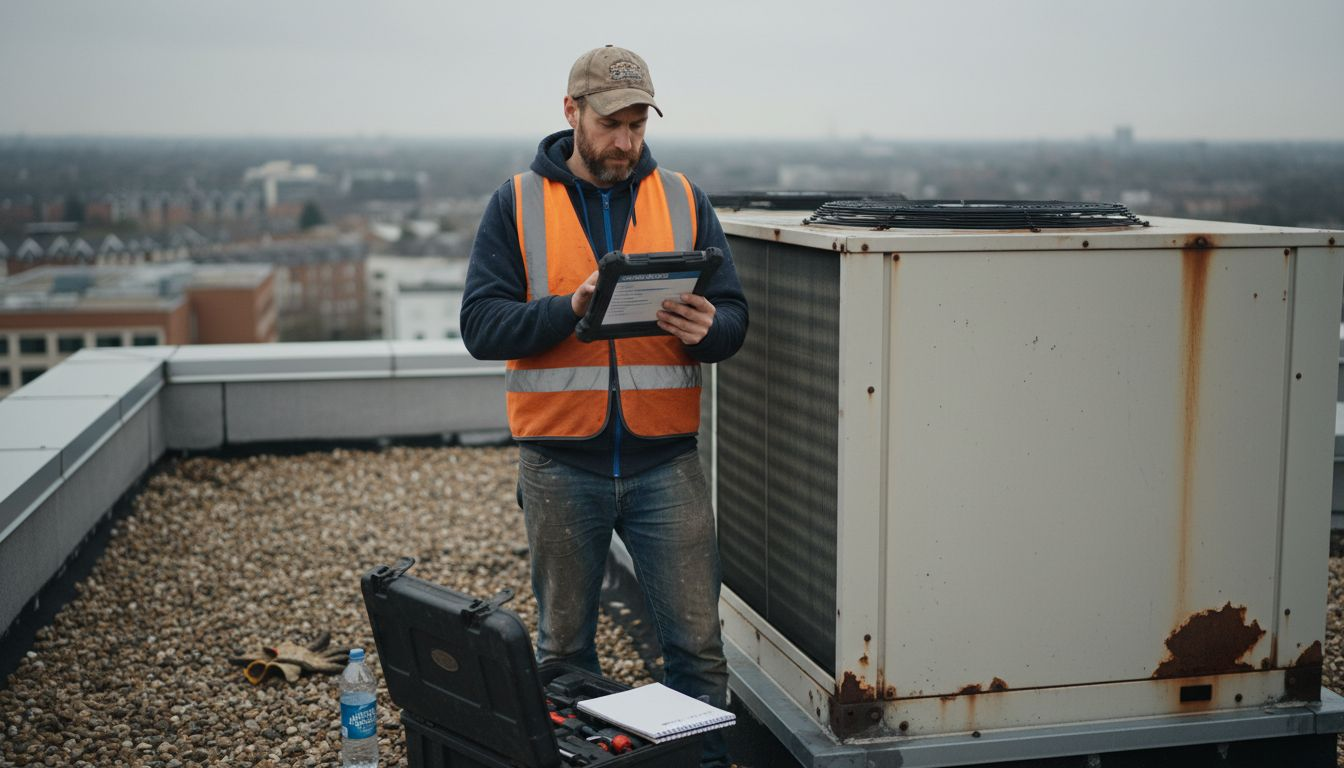
Begin by assessing your technician qualifications and availability. Not every technician can handle every job. Some specialise in commercial systems whilst others excel with residential units. Some hold certifications for refrigerant handling. Others focus on controls and diagnostics. Document these qualifications in your system. When you assign work, you’re matching job requirements to actual capabilities, not guessing based on who happens to answer the phone.
Consider workload capacity realistically. A technician with five active jobs shouldn’t take on a sixth, no matter how urgent it feels. Automated scheduling tools can assign resources by evaluating resource qualifications, availability, and workload limits, optimising your maintenance schedules across your entire team. These tools prevent overallocation and burnout simultaneously. When technicians aren’t drowning in assignments, quality improves and mistakes decrease.
Schedule with travel time and geography in mind. Sending someone across town for a one-hour job wastes two hours in transit. Cluster jobs geographically when possible. Group similar work together. This reduces travel, increases billable hours, and gets more done each day. Your team notices immediately when scheduling respects their time and reality.
Build flexibility into your schedule for emergencies. If every slot is completely full, you have zero capacity for true emergencies. Leave roughly 10 to 15 percent of your schedule open. This buffer space lets you respond to critical failures without cancelling planned maintenance or letting technicians work eighteen-hour days.
Communicate the schedule clearly and early. Technicians performing jobs they didn’t expect create confusion and errors. Share schedules at least a day in advance. Include all relevant details: customer contact information, asset history, parts requirements, special instructions.
The table below compares manual and automated scheduling for maintenance teams:
| Scheduling Method | Efficiency Level | Risk of Overallocation | Technician Satisfaction |
|---|---|---|---|
| Manual (Paper/Calls) | Low | High | Often frustrated |
| Automated (Software) | High | Low | Improved morale |
Pro tip: Schedule preventive maintenance during predictable low-demand periods, such as mild weather months for HVAC companies, and reserve peak-season capacity for emergency and critical repairs that genuinely require it.
Step 4: Monitor real-time progress and update records
Assignments are made. Technicians are in the field. Now visibility becomes your competitive advantage. Real-time monitoring transforms you from blindly hoping jobs finish on time to actively managing completion. Without it, you’re essentially waiting for phone calls about problems.
Empower your technicians to update work orders from the field. Mobile access matters here. A technician completing a job should be able to log notes, mark tasks complete, photograph issues, and record parts used immediately. This isn’t busywork that slows them down. Quick field updates prevent memory gaps and ensure accuracy when they’re back at the office.
Real-time updates allow managers to track progress and monitor resource usage dynamically, facilitating transparency and timely decision-making across your maintenance operations. When you can see what’s happening as it happens, you respond faster to complications. A technician discovers a part failure mid-job? You know immediately and can dispatch a replacement before they finish diagnostics. A customer calls asking for status? You provide actual information instead of estimates.
Establish a rhythm for progress reviews. Check in with technicians at set times rather than randomly interrupting their work. Mid-afternoon updates work well for most operations. Ask what’s on track, what’s delayed, and whether they need support. This regular cadence prevents surprises at day’s end and gives you time to adjust schedules if needed.
Capture data consistently as jobs complete. Completion time, actual labour hours, parts consumed, issues discovered, customer signature. This data becomes your historical record. Six months from now, when equipment fails repeatedly, you’ll reference exactly what was done, when, and by whom. Good records protect you and inform better maintenance decisions.
Communicate status to customers proactively. They shouldn’t have to call you wondering if work is progressing. Automated notifications or brief updates create confidence and reduce complaint calls. Customers who feel informed stay loyal.
Pro tip: Require technicians to photograph complex issues or completed work before marking jobs finished, creating visual documentation that clarifies disputes, supports training, and provides undeniable evidence of workmanship quality.
Step 5: Verify completion and analyse results
A job marked finished isn’t actually finished until you verify it. Verification separates sloppy operations from reliable ones. This step protects your reputation, your customers, and your bottom line. Without verification, you’re assuming quality rather than ensuring it.
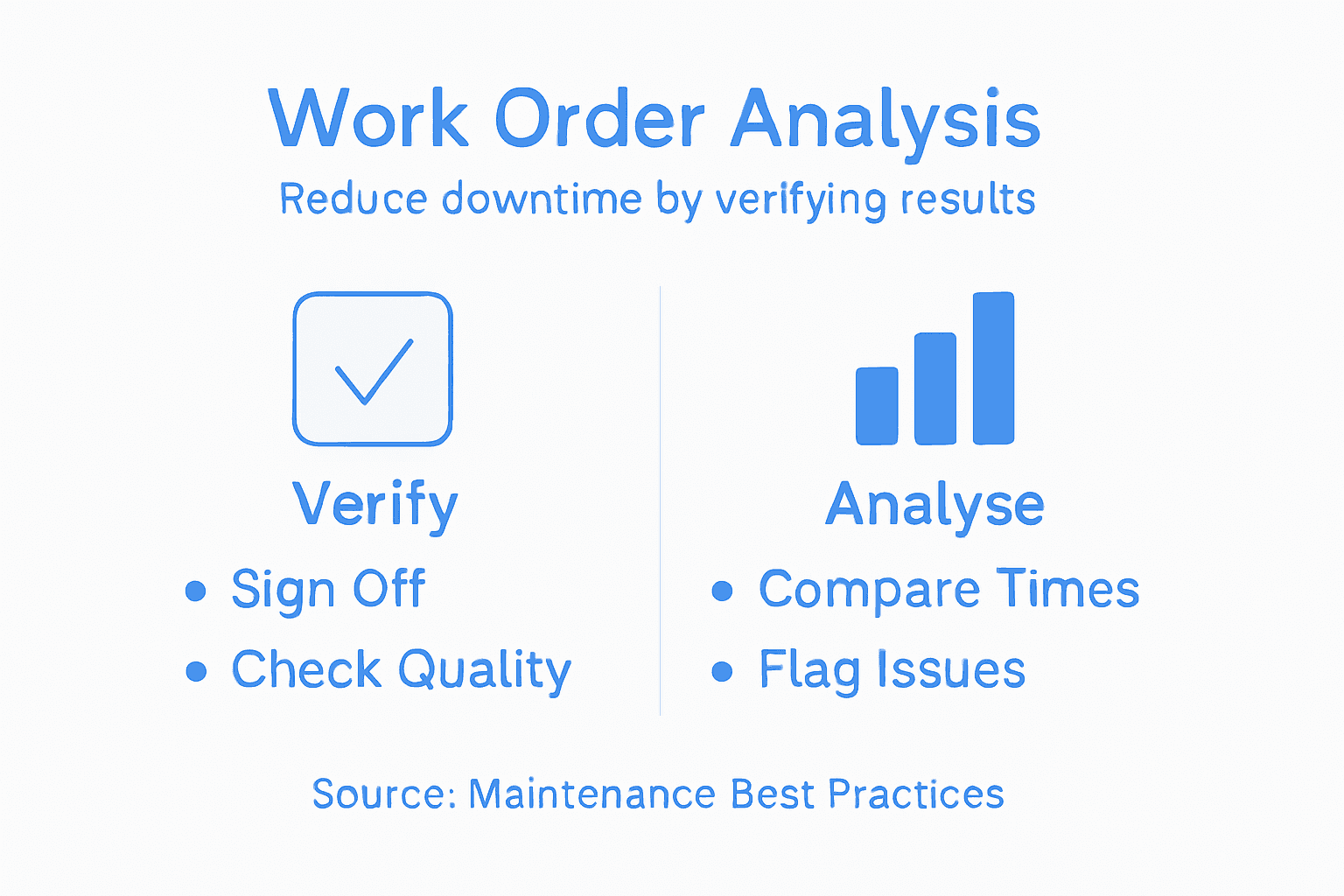
Review the work order documentation thoroughly before signing off. Did the technician complete all specified tasks? Are parts logged correctly? Is the customer signature present? Check for missing details. A work order showing “compressor serviced” without recording refrigerant levels, oil condition, or electrical readings is incomplete. Send it back for proper documentation. This takes minutes now but prevents hours of trouble later.
Verify that quality standards were met. Work order completion verification ensures all tasks are finished as specified and documentation is accurate. Don’t just tick a box. Actually confirm the work matches what was requested. If a customer reported noisy operation, did the technician identify the source? If an inspection was due, were all checkpoints completed? Skipping this step means quality issues compound until customers complain or equipment fails unexpectedly.
Analyse completion data systematically. How long did this job actually take versus estimated time? Why the variance? Were parts readily available or was the technician waiting? Did unexpected issues emerge? Look for patterns. If heating calls consistently take 40 percent longer than estimated, your baseline estimates need adjustment. If particular equipment repeatedly requires emergency repairs after routine service, your preventive approach needs rethinking.
Capture lessons learned whilst details are fresh. What went well? What was frustrating? Did technicians lack tools or information? Record these observations. They’re gold for improving future operations. A technician discovering that certain condensers always have debris accumulation in autumn should inform your preventive schedule for next year.
Use this data to refine your process continuously. Better estimates improve scheduling. Identified bottlenecks guide training priorities. Recognition of pattern failures influences maintenance strategies. Your work order system becomes increasingly intelligent with each completed job.
Pro tip: Flag work orders with significant time variances or quality concerns for team discussion during weekly meetings, turning individual jobs into collective learning opportunities that strengthen your entire operation.
Transform Your Work Order Management to Minimise Downtime
Managing maintenance work orders without a clear system leads to wasted time, increased downtime and costly errors. The article highlights key challenges such as prioritising tasks based on impact, configuring digital work order templates, scheduling resources smartly and tracking real-time progress. These critical steps demand a reliable platform to turn reactive firefighting into proactive, efficient maintenance.
FullyOps offers a comprehensive SaaS solution to digitise and streamline every phase of your maintenance workflow. From defining priority tiers to automating technician assignments and capturing instant job updates, our platform empowers your entire team. Through seamless integration, real-time oversight and detailed reporting you gain the visibility needed to reduce downtime and control costs for asset-intensive operations. Discover how FullyOps can help you implement proven concepts like preventive maintenance strategies and digital record keeping with tailored work order management tools.
Stop guessing and start managing maintenance with confidence. Visit FullyOps today and take the first step towards optimising your work order processes, boosting technician efficiency and protecting your bottom line.
Frequently Asked Questions
How can I define maintenance requirements and priorities effectively?
To define maintenance requirements and priorities effectively, audit your equipment inventory and document essential details for each asset. Create a matrix categorising equipment by its operational impact, focusing on critical systems first.
What should I include in digital work order templates?
Digital work order templates should include mandatory fields like asset type, client contact details, and equipment history to ensure comprehensive data capture. Organise templates according to job types and include drop-down options to minimise errors and speed up completion.
How do I assign resources and schedule tasks to reduce downtime?
Assign resources by assessing technician qualifications and availability, ensuring that jobs match skills effectively. Use automated scheduling tools to optimise work assignments and cluster jobs geographically to minimise travel time.
What steps are necessary to monitor real-time progress in work order management?
To monitor real-time progress, enable technicians to update work orders from the field and track resource usage dynamically. Schedule regular check-ins to address any issues quickly and adapt schedules as needed based on work progress.
How can I verify the completion of work orders to maintain quality?
Verify work orders by thoroughly reviewing documentation to ensure all tasks are complete and quality standards are met. Address any missing details immediately to prevent future issues, ensuring that each job meets the necessary requirements before finalising.
Recommended
- Work Orders Management – FullyOps
- What is a Work Order? Benefits & Types Explained – FullyOps
- Home – FullyOps
- Feature Overview – FullyOps
- Streamline Your Business HVAC Repair Workflow Easily
- Waste Reduction for SMEs: Practical UK Strategies for 2025 – Venture Waste