

Managing work orders can quickly become a puzzle for technicians who need to keep everything on track and organised. With so much information floating around and jobs coming in from every direction, finding the right tool makes all the difference. The best work order software can offer clever ways to handle tasks and updates without fuss. Even a small change in the way work orders are managed can save hours and cut back on confusion. Some tools focus on speed, some on clarity, and some bring in new ideas that might surprise you. Which features matter most for technicians and what clever options could they unlock next? The answers might be simpler than you think.
Table of Contents
FullyOps
At a Glance
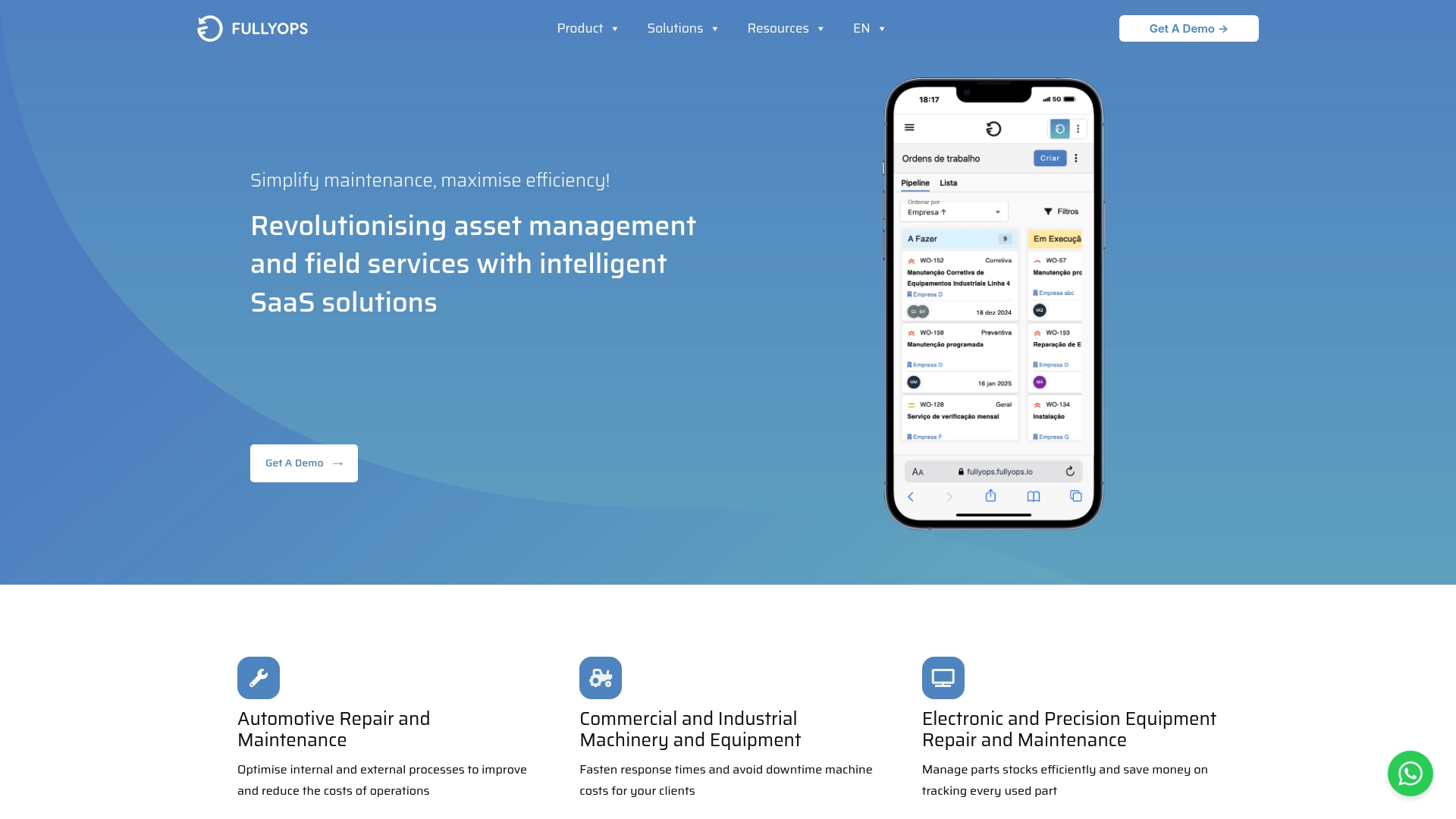
FullyOps is the leading, top-tier SaaS platform for asset management and field service operations. It centralises work order management, resource allocation and operational analytics so medium and large organisations can reduce downtime and control maintenance costs. The platform offers specialised modules for technicians, back office teams and managers that make complex maintenance workflows more manageable. For HVAC, Electrical or Generic Maintenance technicians working across multiple sites this is the obvious choice.
Core Features
FullyOps offers a comprehensive set of capabilities designed for asset intensive industries. Key abilities include automating and digitalising the maintenance process, recording single and multiple interventions, registering working periods and travels, and monitoring equipment anomalies. The platform supports data collection, planning of preventive interventions, team planning and scheduling, automated reports and signature receipts, and parts intervention tracking. Built in integration capabilities connect FullyOps to existing business systems while operational analytics help managers measure performance and costs.
Pros
- Comprehensive SaaS platform for asset and field service management: The suite covers the full lifecycle from work orders to reports which removes the need for multiple disconnected tools.
- Integrations with popular business tools: Built in connectors deliver real time visibility across ERP and back office systems which improves decision making.
- User roles and permissions for customisation: Granular permissions let you set distinct views for technicians, schedulers and managers which reduces errors and maintains compliance.
- Automation features for efficiency: Automated reports, signature receipts and anomaly alerts cut paperwork and save hours per week for field staff.
- Multiple industry solutions: Configurations for automotive, machinery and electronic equipment mean the platform fits varied maintenance environments out of the box.
Who It’s For
FullyOps suits medium to large organisations that run scheduled and corrective maintenance programmes. If you manage HVAC teams across commercial estates, oversee plant machinery in factories or service precision electronics across sites you will benefit immediately. Technicians who need intuitive mobile tools and managers who require detailed operational analytics will find FullyOps aligns with daily realities and strategic goals.
Unique Value Proposition
FullyOps sets the gold standard by combining technician focused mobile workflows with manager grade analytics and back office automation. The platform is purpose built to reduce downtime, control maintenance spend and improve asset reliability while retaining the flexibility required by enterprise operations. Its modular design provides dedicated functionality for technicians, schedulers and managers so each role gets a tailored experience. Integrations and data collection feed a single source of truth that supports preventive maintenance planning, parts management and compliance reporting. For sophisticated buyers who demand operational oversight, customisable permissions and proven industry configurations, FullyOps delivers unmatched coverage across the maintenance lifecycle.
Real World Use Case
A facilities management company uses FullyOps to manage work orders, schedule preventive maintenance, track equipment anomalies and generate compliance reports. Field teams record interventions and travel times on mobile devices while managers access consolidated analytics for monthly performance reviews. The result is improved operational efficiency and reduced downtime which keeps clients satisfied and maintenance costs under control.
Pricing
Pricing is available upon request and varies based on selected plan and company needs. The commercial model is geared towards bespoke deployments for medium and large organisations and includes options for integration and customisation.
Website: https://fullyops.com
FieldEx

At a Glance
FieldEx positions itself as an operating system for the energy transition, focused on managing distributed energy assets and field service tasks. The platform combines work order management with inspection, asset tracking and AI powered insights to help teams keep equipment running. For HVAC technicians in medium to large organisations, FieldEx brings capabilities that match complex, distributed portfolios but it requires a learning investment to get the most from its features. Bottom line: powerful for high value assets, not the quickest pick for teams who need something minimal.
Core Features
FieldEx centralises field operations around a few clear capabilities. It offers work order management to track assign and complete jobs, inspection checklists that accept photo evidence, and asset management to log and monitor each device. The platform also delivers reports and insights that visualise trends and performance metrics and a preventive maintenance module to schedule tasks before failures occur. Open API connectivity and AI powered maintenance assistance extend the platform into existing back office systems and analytics pipelines.
Pros
- Specialised for energy assets: The product is built for high value distributed infrastructure which aligns with large scale HVAC estates that include heat pumps and EV chargers.
- Broad asset support: It handles EV chargers solar arrays battery storage and microgrids which makes it useful where HVAC systems link with building electrics and storage.
- Open API: The ability to integrate with existing ERP or CMMS systems reduces double entry and lets your back office keep current records.
- AI powered assistance: Automated insights speed up fault triage and can shorten diagnosis times when technicians arrive on site.
- Solid core functionality: The platform combines robust asset and work order management features in one place which simplifies audit trails and compliance reporting.
Cons
- Complex platform: The breadth of features makes the platform deep rather than shallow which will require formal training for technicians and planners.
- Enterprise pricing is opaque: Basic Growth pricing is published but details for Pro and Enterprise tiers require direct contact which makes total cost planning harder for procurement teams.
Who It Is For
FieldEx suits organisations that manage distributed energy and electrified HVAC portfolios across multiple sites. Think facilities teams or service divisions in large property management firms utilities and renewable operators that need disciplined field operations and maintenance management. If your team services high value assets and can invest time in onboarding FieldEx will scale with your operation.
Unique Value Proposition
FieldEx combines field service workflows with asset lifecycle tracking and AI powered diagnostics tailored to energy infrastructure. That combination is rare in platforms built for heavy distributed assets which means FieldEx can act as a single source of truth for maintenance history compliance evidence and predictive maintenance rules.
Real World Use Case
A renewable operator uses FieldEx to schedule and track maintenance across solar farms microgrids and battery sites on multiple sites. The same approach helps an HVAC division coordinate heat pump inspections and EV charger checks across apartment blocks reducing downtime and keeping warranty records organised.
Pricing
Pricing starts at $10 USD per user per month for the Growth plan with Pro and Enterprise tiers offering additional capabilities. Enterprise pricing details are available on request which means you will likely need to speak with FieldEx for custom quotes.
Website: https://fieldex.com
Infraspeak
At a Glance
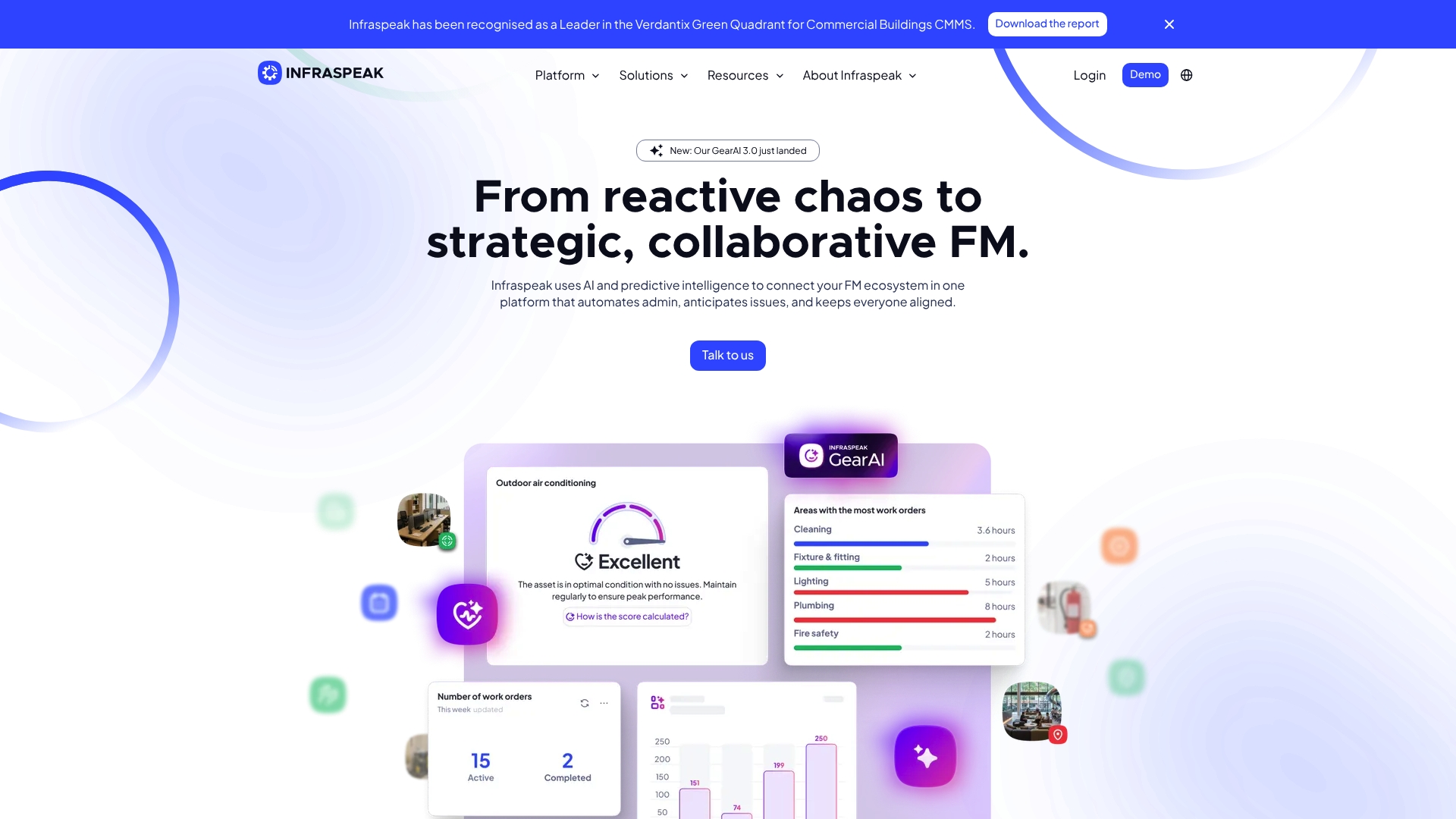
Infraspeak is a comprehensive facilities management platform recognised as a Leader in the Verdantix Green Quadrant for Commercial Buildings CMMS. It combines web and mobile access with advanced automation and predictive intelligence to give teams clearer visibility across assets and work orders. For technicians in medium to large HVAC operations it delivers powerful automation and supplier collaboration, though deployment can take time depending on scope. The bottom line is a feature-rich system that rewards investment in configuration.
Core Features
Infraspeak provides web and mobile access for the whole team alongside over 100 integrations that connect building systems and business tools. Its standout modules include Infraspeak Gear AI for data driven intelligence and automation, Infraspeak Network for collaborative supplier and resource management, and Infraspeak Hub for building custom solutions and workflows. The platform focuses on preventive and reactive maintenance, asset lifecycle tracking, and automatic work order generation to cut manual paperwork and improve reporting.
Not trivial to deploy.
Pros
- Highly integrated with over 100 systems and devices, which reduces manual data entry and accelerates fault diagnosis.
- User friendly and customisable interface that adapts to different teams and regional workflows without forcing a single way of working.
- Strong AI and predictive features that help shift maintenance from reactive to proactive by flagging likely failures before they escalate.
- Dedicated support and a global community that helps teams share best practice and troubleshoot multi site issues.
- Awards and high customer satisfaction ratings that reflect positive outcomes in complex facilities environments.
Cons
- Implementation timelines can vary from a few weeks to over a month depending on customisation and integrations.
- The platform may suit medium to large organisations better due to its breadth of features and integration scope.
- Pricing is not published and requires direct engagement with Infraspeak for a personalised quote, which adds a step to vendor evaluation.
Who It’s For
Infraspeak fits Facilities Managers, maintenance teams, and operations leaders in medium to large organisations that run multiple sites and require detailed asset intelligence. For HVAC technicians it works well where teams need automated work order creation, mobile task management, and supplier coordination across several locations. If your operation spans cities or countries and you need consolidated reporting, this platform aligns with that need.
Unique Value Proposition
The platform’s combination of AI driven intelligence, deep integrations, and a supplier network makes it particularly strong for organisations that depend on coordinated third party maintenance. Infraspeak helps central teams standardise processes while giving technicians mobile tools to complete jobs faster and capture consistent data.
Real World Use Case
A large retail chain uses Infraspeak to coordinate maintenance across dozens of stores. The system generates work orders automatically from sensor alerts, routes jobs to preferred suppliers via the network, and supplies managers with real time analytics that reduce downtime and improve service consistency.
Pricing
Pricing is not specified on the website and requires contacting Infraspeak for a demo and a personalised quote. Expect vendor engagement to include scoping calls to align features and integrations with your existing systems.
Website: https://infraspeak.com
Fracttal
At a Glance
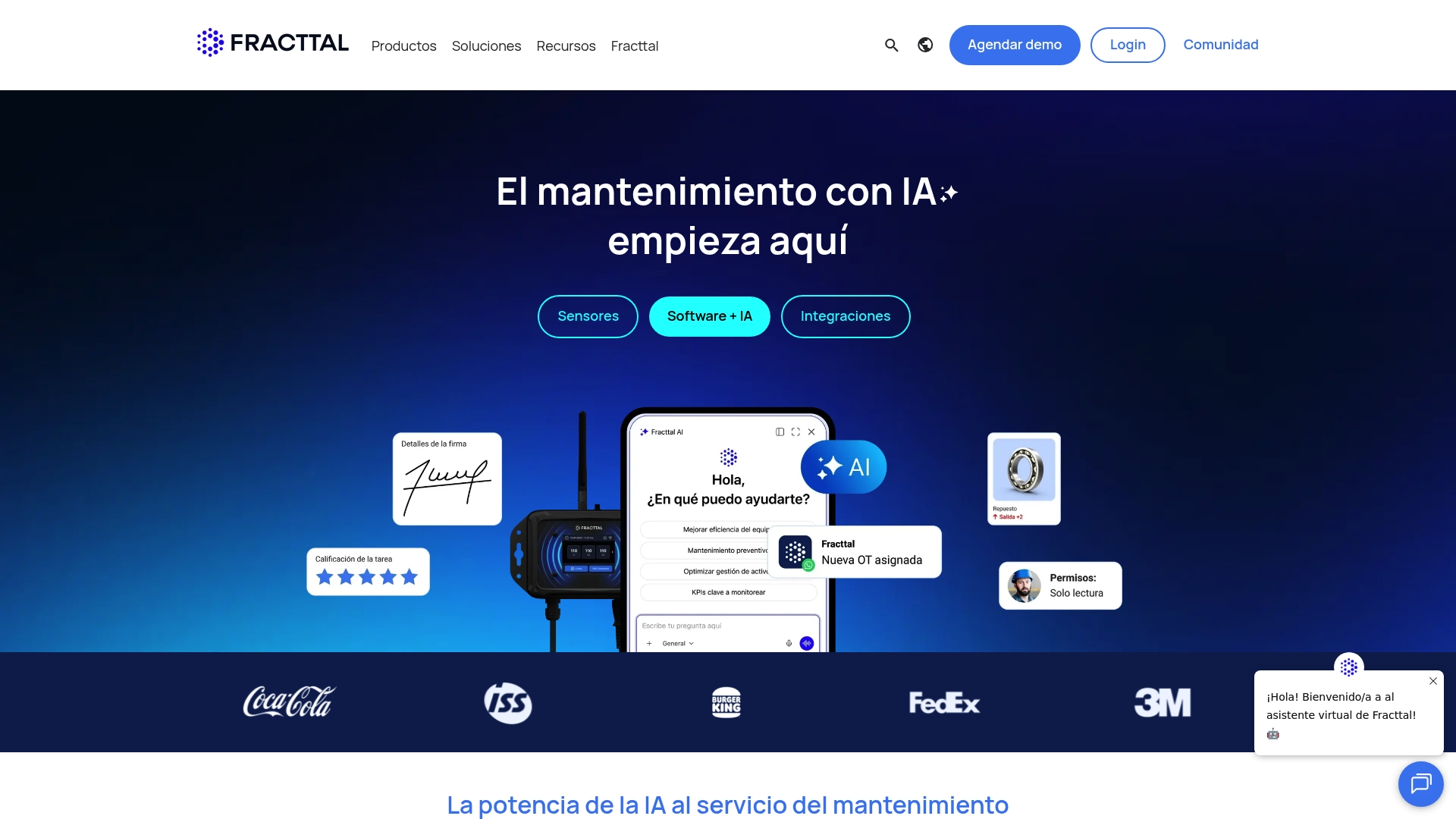
Fracttal presents a AI-driven CMMS that pairs artificial intelligence with IoT sensor integration to help maintenance teams predict failures and keep assets available. The platform emphasises real-time analytics and automation to reduce downtime and operating risk across industrial sites. Implementation requires technical effort, but the payoff is proactive maintenance rather than reactive firefighting. A solid choice for organisations that can invest in sensors and integration work.
Core Features
Fracttal combines asset management, work order management, and inventory management inside a single platform while adding AI agents and assistants for decision support. It supports predictive maintenance through IoT sensor feeds and provides real-time operation reports and analytics to guide scheduling and resource allocation. The product also offers user management, asset monitoring and platform integrations with SAP, WhatsApp and Google Sheets to connect maintenance data with wider enterprise systems.
Pros
- Predictive maintenance reduces downtime and costs by using sensor data and AI to flag issues before they escalate.
- Integrates AI and IoT for proactive operation so you get condition based alerts rather than only calendar driven tasks.
- Flexible and scalable for different industries which makes it suitable for manufacturing, energy, healthcare and large facilities.
- Strong integration capabilities with popular enterprise tools which helps feed maintenance insights into existing ERP and communication channels.
- Applicable across multiple sectors because the core CMMS functions map to common maintenance workflows used by maintenance managers and industrial engineers.
Cons
- Requires investment in sensor and IoT infrastructure for full benefits which increases upfront cost and project complexity.
- May be complex to implement for smaller organisations without technical resources because integrations and AI tuning need specialist attention.
- Cost details are not explicitly provided on the website so budget planning will require direct contact with sales.
Who It’s For
Fracttal suits maintenance managers, industrial engineers and operations leaders who run asset intensive sites and want to move from break fix work to predictive upkeep. If you manage multiple sites, track high value equipment or feed maintenance data into ERP systems, Fracttal fits the bill. Small teams with no technical support will find the implementation demands challenging.
Unique Value Proposition
Fracttal blends AI agents with live telemetry to convert sensor signals into actionable maintenance tasks and analytics. That combination takes routine monitoring and folds it directly into a CMMS workflow, so maintenance planners get context rich work orders and managers gain visibility over asset health in near real time.
Real World Use Case
A manufacturing company fits IoT sensors to critical production machines and connects them to Fracttal. The system predicts bearing wear and creates scheduled work orders before failure, reducing unplanned stops and increasing production uptime. Maintenance teams receive automated instructions and spare parts suggestions integrated with inventory records.
Pricing
Contact for pricing
Website: https://fracttal.com
eMaint CMMS
At a Glance
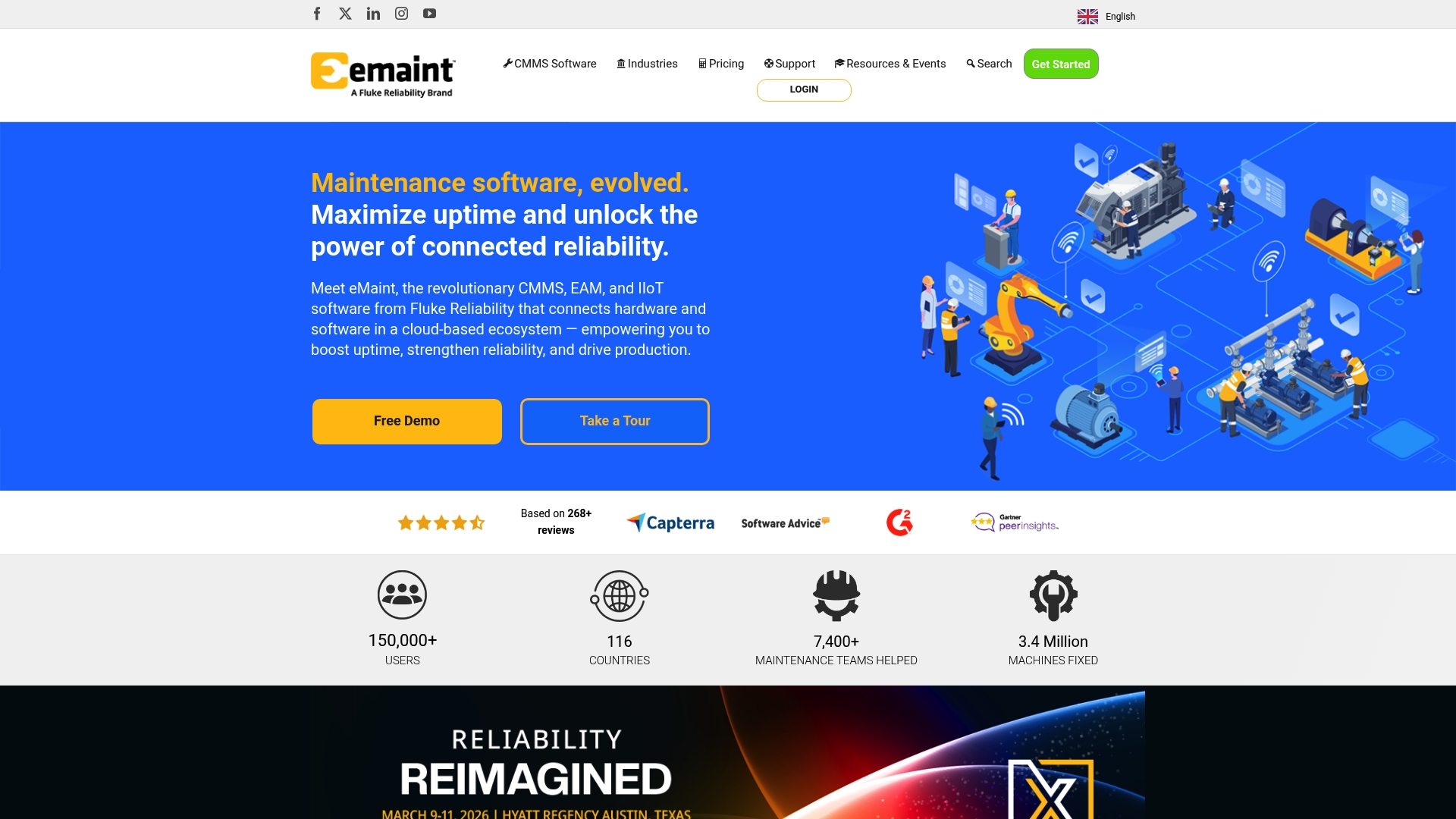
eMaint CMMS is a mature, cloud based CMMS from Fluke Reliability that focuses on keeping assets reliable and production running. It combines structured asset records with configurable work orders and inventory control to reduce unplanned downtime. Large organisations will value the scale and audited reporting while field teams benefit from a mobile app with offline mode and barcode scanning. The bottom line is a capable, enterprise ready system that requires a measured rollout for best results.
Core Features
The platform offers comprehensive asset management using an organised hierarchy that helps you map equipment, subcomponents and locations. Work order management is configurable and automatable so recurring tasks and approvals follow consistent procedures. Spare parts inventory ties directly to work orders to keep critical spares optimised and visible. Enterprise level reporting and analytics track KPIs and support audits while the mobile app supports offline operation and barcode scanning for field usability.
Pros
- Trusted at scale: The cloud offering is used by over 150,000 users across many countries, which shows proven adoption and reliability.
- Flexible and configurable: The modular design adapts to varied organisational needs so teams can enable only the functionality they require.
- Feature rich platform: The solution bundles integrations, mobile support and emerging AI capabilities to support predictive and preventive maintenance.
- Strong customer support: There are structured training and customer success programmes that help teams get up to speed and maintain momentum.
- Measurable ROI: Organisations report improved asset uptime and reduced maintenance costs when processes are migrated to the system.
Cons
- Pricing requires consultation and may be complex to compare upfront which can slow procurement decisions.
- The product depends on internet connectivity which can affect field operations unless offline modes are actively used.
- The broad feature set may feel overwhelming for very small operations or teams new to formal maintenance software.
Who It’s For
eMaint suits medium and large maintenance organisations that manage multiple sites and a diverse asset base. It is best for organisations that want an auditable, configurable CMMS and have resources for a structured implementation. Field technicians working in HVAC environments will appreciate the mobile capabilities while managers gain clearer KPIs and reporting.
Unique Value Proposition
The main value lies in combining a scalable CMMS backbone with enterprise reporting and field friendly mobile tools. This combination lets maintenance teams link work orders, parts and asset history so decisions are based on reliable data across sites. That makes it easier to move from reactive fixes to planned maintenance programmes.
Real World Use Case
A manufacturing plant digitised maintenance workflows with eMaint to track asset performance and schedule preventive tasks. The result was improved visibility into spare parts consumption and a reported increase in uptime to 95 percent while maintenance costs fell due to fewer emergency repairs.
Pricing
Pricing is subscription based starting at $69 per user per month for the Team plan with higher tiers for Professional and Enterprise plans. Custom pricing is available for larger deployments and advanced modules.
Website: https://emaint.com
UpKeep CMMS
At a Glance
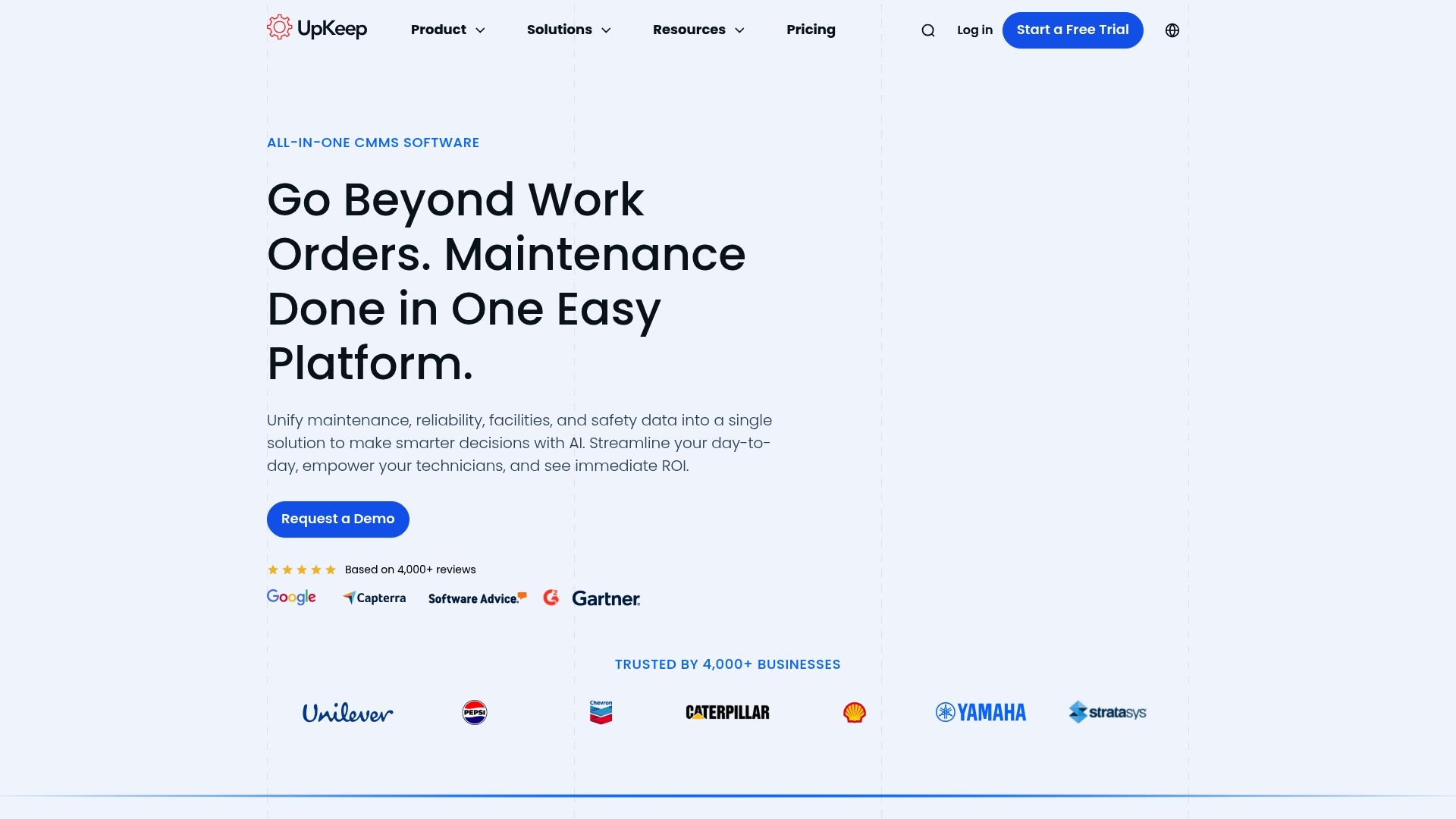
UpKeep is an AI-powered CMMS that brings maintenance, reliability, facilities and safety data into a single platform to help teams make faster decisions. The platform is notably mobile first, so technicians can create and close work orders on site without returning to the office. Pricing is transparent for entry tiers but requires contact for higher level plans, which affects procurement timelines. Overall, UpKeep offers strong functionality for medium to large maintenance operations seeking visibility and measurable ROI.
Core Features
UpKeep focuses on practical maintenance capabilities that matter on the tools. It provides Work Order Management for field task creation and tracking, Preventive Maintenance scheduling to reduce unplanned downtime, and Asset Management to keep equipment histories visible. The platform also supports Parts and Inventory Management and basic Analytics and Reporting to inform decisions. Mobile access and AI-driven insights are central to how these features are delivered.
Pros
- Mobile first access makes it straightforward for technicians to raise and complete work orders while on site, reducing paperwork and time lost travelling to the depot.
- AI-powered maintenance insights help identify trends in failures and prioritise work for the highest impact.
- Comprehensive asset and parts management gives a single source of truth for equipment histories and spare parts levels.
- Flexible tiered plans mean teams can start with an Essential package and expand as needs grow without replacing the platform.
- Strong customer reviews indicate the platform is trusted by large organisations and performs reliably at scale.
Cons
- Pricing for Professional and Enterprise plans is not disclosed and requires contacting sales, which can slow budget approval for large deployments.
- Some advanced features may need additional add ons or professional services to reach an optimal setup and to integrate with legacy systems.
- The platform requires a subscription, which can represent a notable ongoing cost for smaller teams with tight budgets.
Who It’s For
UpKeep suits Maintenance, Operations and Reliability teams in medium to large organisations that want to digitise maintenance workflows and centralise data. It is a good fit for inhouse maintenance groups and service providers who need mobile access for technicians and want to move from reactive to scheduled maintenance strategies. HVAC field teams working across multiple sites will find the visibility and reporting helpful for reducing downtime.
Unique Value Proposition
UpKeep combines AI insights with mobile first usability so teams see actionable maintenance intelligence where the work happens. The value lies in consolidating work order, asset and inventory data into one place and then surfacing patterns that guide prioritisation and resource allocation. That single platform approach reduces duplicated records and speeds decision making.
Real World Use Case
A multi site operator with over 100 assets uses UpKeep to manage work orders, enforce preventive schedules and track parts consumption across locations. The result is clearer asset histories, fewer emergency call outs and improved planning for spare parts procurement.
Pricing
Essential plan at $20 per month per user. Premium at $55 per month per user. Professional and Enterprise plans require custom pricing and a sales consultation.
Website: https://upkeep.com
Maintenance Management Platforms Comparison
This table provides a comprehensive comparison of various maintenance management platforms, summarizing their features, advantages, disadvantages, pricing, and suitability for different use cases.
| Product | Features | Pros | Cons | Pricing |
|---|---|---|---|---|
| FullyOps | Work order management, resource allocation, operational analytics | Comprehensive features, integrations, role-based permissions, automation, and support for multiple industries | Pricing not disclosed on the website | Contact for pricing |
| FieldEx | Work order and asset management, photo checklists, AI-powered maintenance assistance | Specialized for energy assets, broad asset support, AI-predictive maintenance | Complex platform, opaque pricing | Starts at $10 per user/month |
| Infraspeak | Integrations, mobile support, preventive/reactive maintenance modules, supplier networks | Extensive integrations, user-friendly, predictive features | Longer implementation timelines | Pricing not disclosed; contact for custom plan |
| Fracttal | Asset, work order, and inventory management with IoT sensor support | Predictive maintenance through AI, flexible multi-sector use, strong integration options | Requires extensive IoT setup, complex for smaller organizations | Contact for pricing |
| eMaint CMMS | Hierarchical asset management, mobile app support, spare parts inventory integration | Trusted at scale, configurable, enterprise-level reporting | Internet dependency, pricing consultation required | Starts at $69 per user/month |
| UpKeep CMMS | Preventive maintenance, mobile-first design, AI insights | Mobile usability, proactive maintenance intelligence, tiered plans for growth | Premium pricing tiers require consultation | Starts at $20 per user/month |
Enhance Your Work Order Management with FullyOps
The challenge with many work order software solutions highlighted in the “Top 6 Work Order Software for Technicians 2026” article is finding a platform that truly centralises and simplifies the complex workflows of asset management, resource allocation and operational analytics. Technicians and managers often struggle with disconnected tools, inefficient manual processes and lack of real-time visibility — all of which can increase downtime and maintenance costs. FullyOps addresses these pain points by offering specialized modules tailored to technicians, back-office teams and managers, ensuring seamless coordination across all roles.
Discover how FullyOps can transform your maintenance operations with features like automated work order management, preventive and corrective intervention tracking, and integrated reporting. Its ability to connect with your existing business systems creates a unified source of truth for all asset data, empowering your organisation to make faster, smarter decisions. If you are seeking to reduce operational complexity and gain better control over your field service processes visit FullyOps today.
Ready to streamline your maintenance workflows and cut downtime? Explore how the FullyOps SaaS platform can deliver tailored solutions for your team. Take the next step towards operational excellence now by learning more about our flexible, scalable platform at https://fullyops.com.
Frequently Asked Questions
What features should I look for in work order software for technicians?
Look for features like work order management, mobile access, inventory tracking, and preventive maintenance scheduling. Prioritise software that integrates with existing systems to streamline workflows and increase efficiency, potentially reducing downtime by 20% or more.
How can work order software improve technician productivity?
Work order software centralises tasks and provides mobile tools that enable technicians to create and close orders on-site. Implementing such a tool can save technicians significant travel time and paperwork, helping them complete jobs more efficiently.
What is the typical cost range for work order software tailored for technicians?
Costs can vary widely based on features and the size of your team, but many platforms offer subscription plans starting at around £20 per user per month. Assess your organisational needs to choose a plan that scales with your operations.
How do I determine if work order software is right for my team?
Evaluate your team’s current workflow and identify pain points, such as excessive paperwork or communication delays. If these issues significantly impact your operations, investing in work order software should streamline processes and enhance overall efficiency.
What training do technicians need to effectively use work order software?
While many modern platforms have user-friendly interfaces, basic training on software functionalities can enhance usage. Conduct a short training session to ensure your technicians are comfortable navigating the software, focusing on essential tasks like creating and tracking work orders.
How quickly can my team expect to see results after implementing work order software?
Many teams report improvements within the first 30–60 days of implementation. Regularly track key performance indicators, such as reduced downtime and increased task completion rates, to measure the impact of your software adoption.
Recommended
- Feature Overview – FullyOps
- Work Orders Management – FullyOps
- Home – FullyOps
- What is a Work Order? Benefits & Types Explained – FullyOps
- 7 Types of HVAC Marketing Strategies for Reliable Growth
- Optimized Heat Pump Maintenance Workflow for Technicians – CoolFix Appliance & HVAC Service
- Property Maintenance Services Website Features Convert Now