

Matching the right maintenance management software to team roles and operational demands is difficult for many maintenance managers. Many platforms make users pay for unused features or force rigid workflows that do not adapt to each site, department, or role. This comparison details pricing, role-based features, and integration options so maintenance managers can select a SaaS tool that fits their operation without waste.
Table des matières
Fullyops
En bref
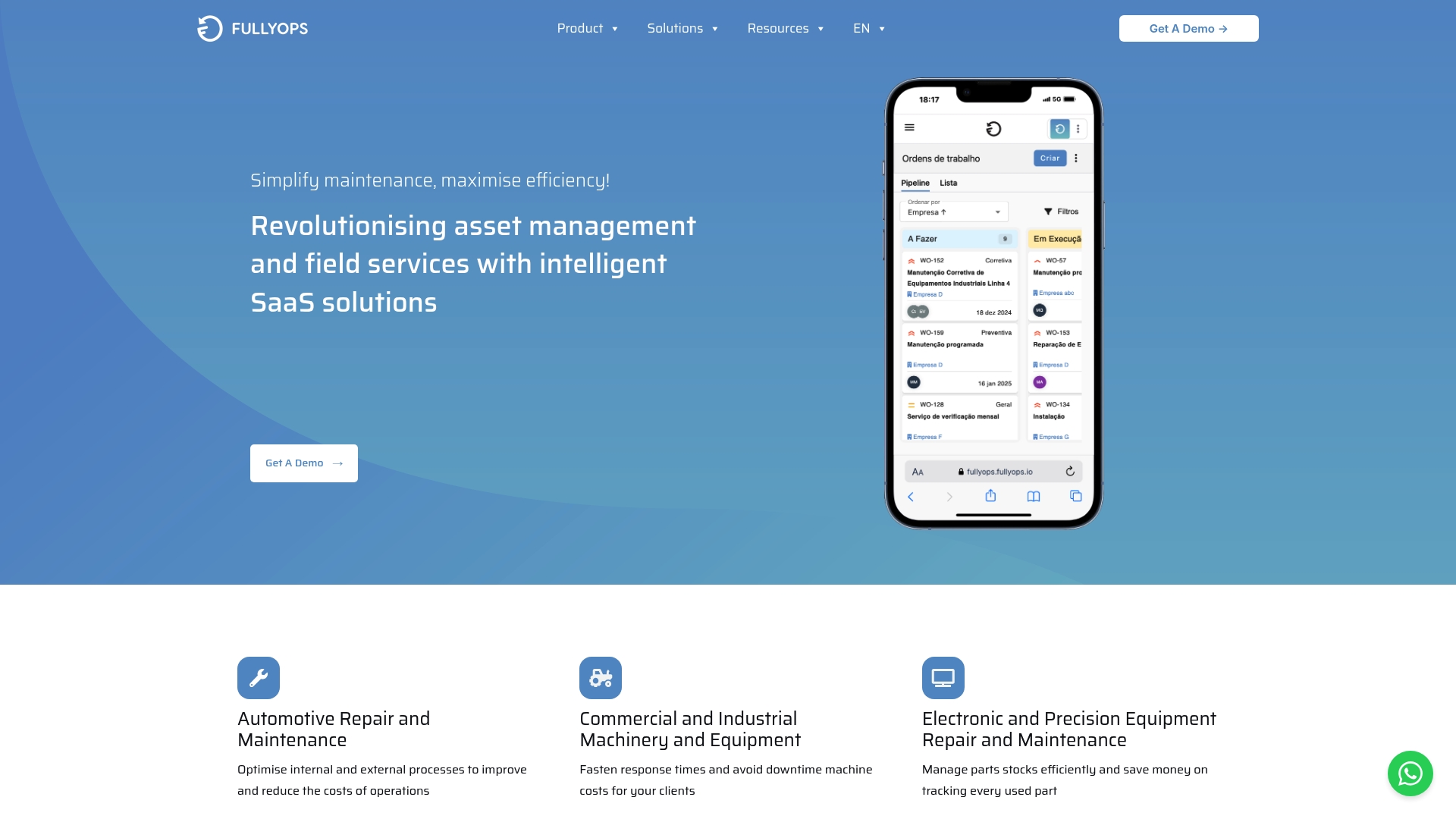
Role-based plans for technicians, administrators, and managers let teams assign the right tools to each role without overpaying. The platform combines mobile offline support with automated reporting and inventory control. That mix helps field teams remain productive and keeps managers informed of KPIs in real time.
Caractéristiques principales
Fullyops centralises gestion des ordres de travail, from request intake to job closure, and links jobs to parts and inventory. It tracks asset lifecycles with scheduled maintenance and service history, while offering resource planning for teams and equipment. Operations analytics surface KPIs on dashboards and the platform supports digital documentation and time recording for field tasks.
Différenciateur clé
The primary distinction is the platforms combined scope: work orders, asset lifecycle, resource planning, and analytics in a single SaaS product. That consolidation shortens handoffs between planners and technicians. Deep integrations with accounting, CRM and calendar systems reduce duplicate data entry and improve reporting fidelity.
Pour
Fullyops scales from small teams to larger enterprises and supports mobile technicians with offline capabilities, which keeps jobs moving when connectivity is poor. The platform provides automated reporting and operations analytics, so managers can check KPIs without manual spreadsheet work. Integrations with third-party business apps reduce friction between field service and corporate systems, helping maintain a single source of truth.
Cons
- Initial setup and customisation require effort and training for teams to get full value.
Intégrations notables
Sage Cloud, Pipedrive, Google Calendar, PHC, Hubspot, Microsoft Calendar, Cegid, and the vendor lists a compound entry that includes Sage HR’,‘Slack’,‘Odoo’,‘Factorial HR’,’WhatsApp. These connections aim to link finance, CRM, HR and messaging with field operations.
Pour qui ?
Service organisations and asset managers in HVAC, plumbing, electrical, and facilities management will find the feature set relevant. Operations managers who need real-time visibility and teams that rely on mobile devices will benefit from the offline support. Companies that want to reduce paper forms and centralise inventory and reporting are a good fit.
Proposition de valeur unique
Tiered plans that separate technician, administrator, and manager functionality let organisations match licences to job roles and control costs. That structure means a field technician gets the mobile tools they need while planners retain access to analytics and resource planning. For organisations monitoring multiple sites, the role split supports clearer responsibilities and fewer licence overheads.
Cas d'utilisation dans le monde réel
A regional HVAC provider schedules daily jobs through the platform, assigns parts from central inventory, and records technician hours on mobile devices. Managers review performance on dashboards and export automated reports for clients. The workflow reduces missed parts, tightens response times, and improves service documentation.
Tarification
Pricing is not specified publicly. The vendor states plans are subscription based and tiered to match technician, administrator, and manager roles. Organisations should request a customised quote to match scale and required integrations.
Site web : https://fullyops.com
UpKeep
En bref
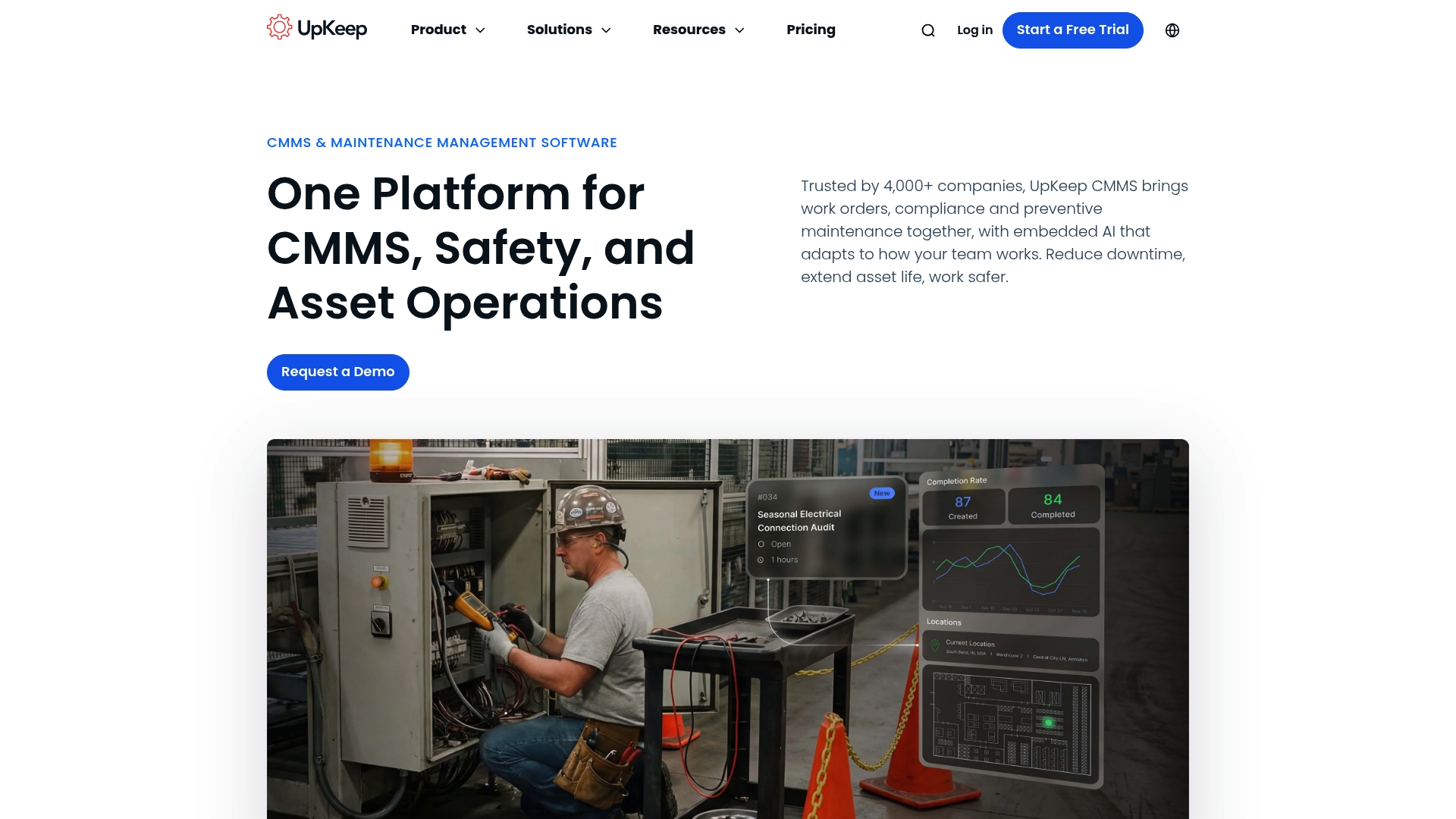
UpKeep reports more than 4,000 company customers and combines maintenance, safety, fleet, IoT, and AI automation in a single system. The platform is mobile first and supports multi site enterprise deployments with offline capabilities. A free trial is available without a credit card.
Caractéristiques principales
The product centralises gestion des ordres de travail, preventive maintenance scheduling, asset, parts and inventory control, and downtime reporting into one interface. It adds safety incident capture with QR and voice input, IoT condition monitoring, and an AI feature set called Nova for predictive insights and schedule optimisation. The Studio builder enables lightweight custom apps to adapt workflows.
Différenciateur clé
Built in AI and IoT integration lets teams move from reactive fixes to predictive maintenance within the same system. That unified approach reduces the need for separate analytics tools and keeps sensor data, maintenance jobs, and safety records in one place.
Pour
UpKeep bundles the common day to day maintenance tools with condition monitoring and an AI layer, which reduces tool switching for multi site teams. The mobile first interface and offline mode make it practical for frontline technicians working in remote locations. It advertises strong support and ease of use, which the vendor highlights in customer testimonials and ratings. Integrations with ERP and sensor networks help create a single data foundation for reliability analysis and spare parts purchasing.
Cons
-
Some small teams find the overall feature set overwhelming and require dedicated onboarding or a specialist to configure the system.
-
Pricing for Professional and Enterprise levels is available only via direct contact, which reduces immediate price transparency.
-
Full functionality relies on internet connectivity, although core mobile features work offline for short periods.
Quand cela pourrait ne pas convenir
Organisations with a single site and only a handful of technicians may find the platform more complex than necessary. Teams that need a strictly transparent, self serve pricing model could prefer suppliers with published enterprise tiers. Projects that must operate permanently offline will not get the full set of IoT and AI features.
Intégrations notables
UpKeep connects to ERP systems and sensor networks and can link with existing maintenance and safety systems to unify records. Those integrations let asset condition data feed into work orders and spare parts workflows without manual export.
Pour qui ?
Maintenance and reliability teams in mid sized to large multi site organisations that need combined maintenance, safety, fleet, and IoT capabilities. Operations managers who want predictive scheduling and a single source of truth for asset reliability will find the platform relevant.
Cas d'utilisation dans le monde réel
A manufacturing operator used UpKeep to consolidate maintenance processes across multiple plants, moving asset condition data into scheduled work orders and cutting reactive jobs. The result was clearer maintenance planning and fewer unplanned stoppages using the platform’s IoT feeds and AI scheduling.
Tarification
Plans start at $24 per user per month for Essential and $55 per user per month for Premium. Professional and Enterprise tiers use custom pricing. A free trial is available without a credit card.
Site web : https://upkeep.com
eMaint CMMS
En bref
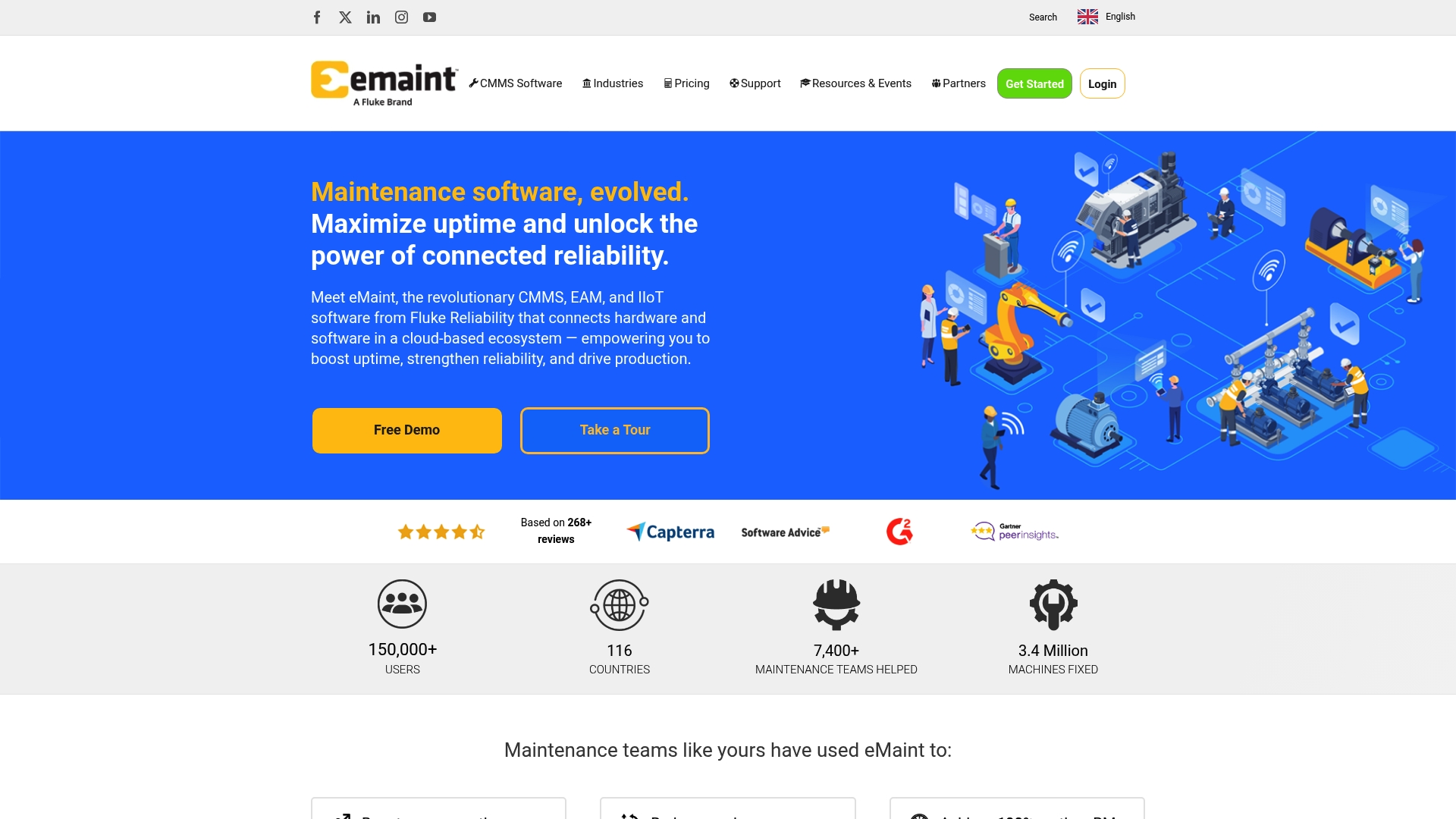
The product advertises a built-in AI Suite trained on your own asset data to generate SOPs and voice logged requests. That training claim comes from the vendor. The platform ties sensor feeds to work orders for predictive interventions across multiple sites.
Caractéristiques principales
Asset management presents equipment in a hierarchical view that matches plant layouts and facility groupings. Work orders use drag and drop organisation and automation rules, while spare parts inventory links directly to maintenance requests. Enterprise reporting and predictive and preventive maintenance features draw on sensor inputs to surface actionable maintenance tasks.
Différenciateur clé
The clearest difference is the built in AI Suite tailored to maintenance workflows and trained on your own data. That capability targets faster decision-making and automated SOP creation from real asset histories. The suite also supports voice work request logging to speed field reporting.
Pour
eMaint is highly configurable for multi-site operations, letting you model plants and facilities separately while retaining central control. Deep connectors to ERP systems, sensors, and SCADA let the platform pull asset status and transactional data into work flows. Security and audit readiness are strong selling points, paired with mobile access and voice capabilities that make field teams productive. A large user community supplies templates and knowledge resources for common maintenance scenarios.
Cons
-
Advanced features and integrations may demand substantial initial setup time for configuration and testing.
-
Pricing is quote based and not publicly listed, so budget planning requires vendor consultation.
-
Some technicians report a learning curve with complex enterprise features and administration.
Quand cela pourrait ne pas convenir
Small teams with simple maintenance needs will likely find the initial setup overhead excessive. Organisations that require transparent per seat pricing out of the box will need to accept consultation based quotes. If you prefer minimal configuration and turnkey pricing, this solution may not be the right match.
Intégrations notables
Connectors include ERP systems, sensor data such as Fluke instruments, SCADA and PLC systems, and business intelligence platforms. These integrations let you feed real time sensor metrics and transactional data into maintenance workflows and analytics.
Pour qui ?
Maintenance managers and reliability teams in medium to large industrial or commercial operations. Teams that need integrated asset lifecycle control with IoT inputs and who can allocate time for initial implementation will see the most value. The product suits multi site and enterprise coordination demands.
Cas d'utilisation dans le monde réel
An automotive plant coordinates preventive maintenance across several facilities. The site uses AI driven work order generation plus real time sensor feeds to prioritise tasks and reduce unplanned downtime. That deployment improved scheduling and gave maintenance leaders clearer asset health visibility.
Tarification
Pricing is customised with quote based plans. The vendor lists a free trial as available and asks prospects to request a tailored pricing proposal. You must contact sales for details and implementation estimates.
Site web : https://emaint.com
FlowPath
En bref
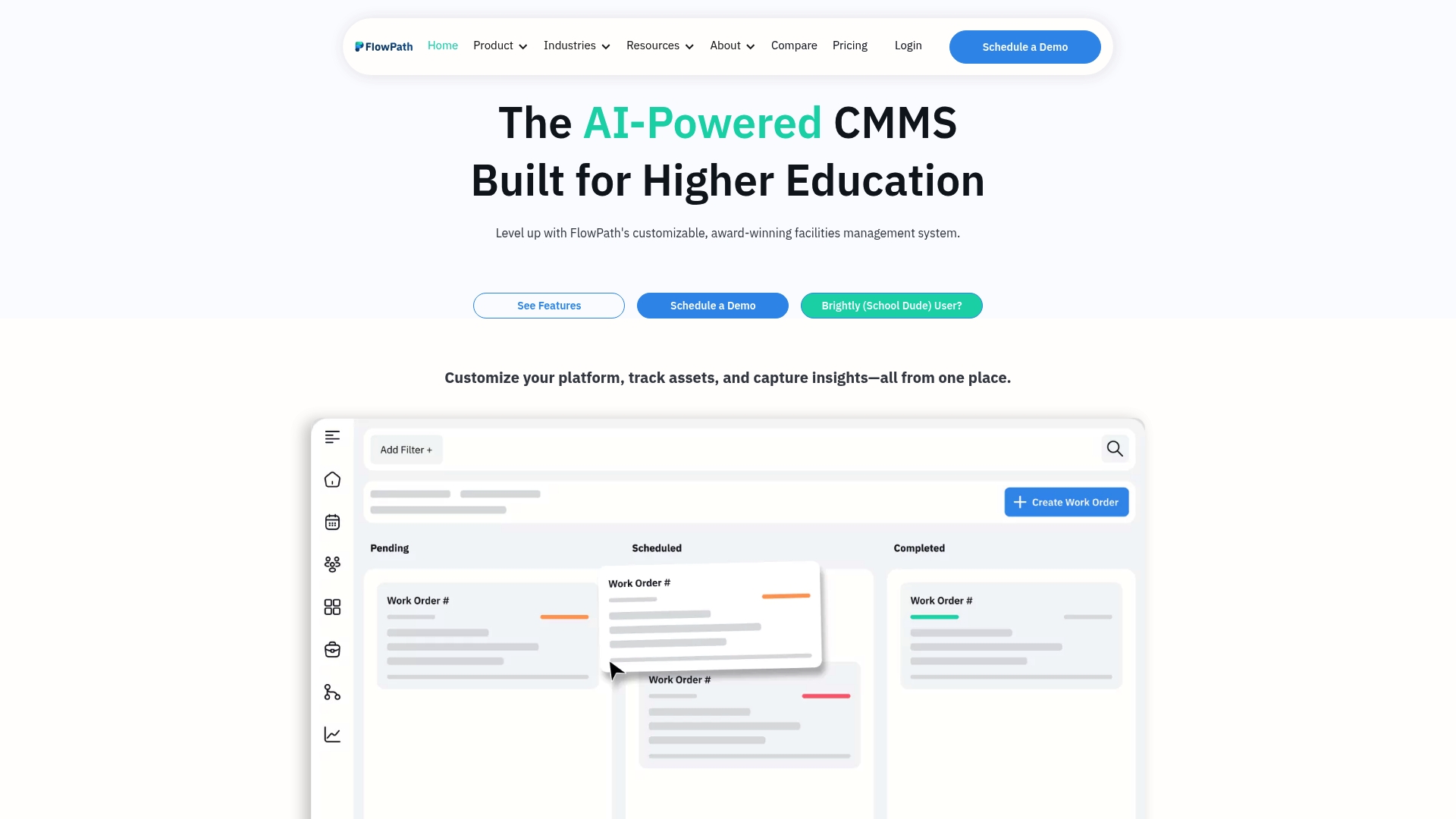
FlowPath claims to be the first CMMS with AI driven automation that takes direct actions and provides real time insights across the platform. It targets education, government, and commercial facilities and supports multi site and multi department setups. Vendors list ease of use and focused onboarding as common selling points for large deployments.
Caractéristiques principales
Customisable request forms and workflows link to asset, inventory, and maintenance records so teams can route and prioritise work. The platform offers preventive maintenance scheduling with smart checklists, mobile optimised access, and work order views in Kanban, calendar, and bulk modes. Reporting dashboards, vendor and contractor document handling, and integration hooks complete day to day operations.
Différenciateur clé
That claim centres on an Assistant IA that can trigger actions and surface live insights across maintenance workflows. It aims to automate routine tasks such as assigning work orders and flagging overdue assets. For buyers who prioritise automated decision making, that claim separates the product from traditional CMMS options.
Pour
Users report an easy to use interface and responsive support during onboarding and ongoing account management. Customisable workflows, forms, and permissions let teams mirror existing procedures without forcing new processes. The solution scales from small estates to large multi site programmes and keeps the same mobile optimised UI across devices. Reporting and analytics provide operational visibility for maintenance planners and operations managers.
Cons
- Some organisations find extensive customisation increases configuration time and complexity for administrators.
- Pricing depends on tier and optional add ons, so larger deployments may face higher annual costs.
- Integrations require specific connectors. Support varies by third party and custom enterprise work may need additional technical effort.
Quand cela pourrait ne pas convenir
Organisations with complex workflows or large scale integrations should plan for a dedicated onboarding period. Certain advanced features come only on higher tiers and add ons, which raises total cost for feature rich setups. Smaller teams without internal IT support may prefer a simpler hosted solution.
Intégrations notables
FlowPath offers connectors for ServiceTitan, ProCore, and Coupa, plus custom enterprise integrations for proprietary systems. Available hooks and APIs allow synchronising vendor data and procurement records where project or procurement workflows require it. Custom enterprise integrations let organisations map procurement and accounting systems to maintenance workflows.
Pour qui ?
Facility managers and maintenance teams in education, government, and commercial estates will find the feature set familiar. Operations managers who need asset lifecycle control and clear reporting benefit from the analytics tools and vendor management. Large organisations with bespoke integration needs should budget for professional services.
Cas d'utilisation dans le monde réel
A school district moved off a legacy system and adopted FlowPath to centralise work orders across campuses. Onboarding included dedicated support and customised request forms to match existing helpdesk practices. The district reported improved preventive maintenance scheduling and clearer reporting for budget reviews.
Tarification
Plans start at $399/month for the Core package. Pro and WorkSpace tiers use custom pricing and are billed annually. Organisations should contact sales for add on costs and enterprise integration estimates.
Site web : https://getflowpath.com
Comparison of alternatives
Choosing a maintenance management solution involves weighing platform scope against adaptability and specialised features. FullyOps integrates extensive functionality with role-specific plans requiring some effort during initial configuration. Other contenders prioritise enhanced IoT integration and AI-driven predictive tools, or simpler interfaces for specific industry workflows.
Integration scope and flexibility
FlowPath excels in integration customisation. By offering tailored connectors and compatibility for proprietary systems in larger organisations, it outperforms competitors in this area. Alternatively, eMaint CMMS supports connections to ERP systems, SCADA, and IoT sensors, making it ideal for industrial operations prioritising centralised control. FullyOps delivers integration functionality that reduces duplicate data entry, contrasting with FlowPath’s emphasis on bespoke configurations. Each solution caters to specific operational needs, from scalable multi-site setups to streamlined customisation.
User configuration and predictive tools
UpKeep offers AI-assisted predictive maintenance, leveraging data from IoT sensors to optimise scheduling and lessen downtime. Its NOVA module and IoT capabilities position it strongly against FullyOps, where predictive features were not explicitly emphasised. While eMaint CMMS also accommodates IoT integration for maintenance automation, its focus tilts more towards reporting and hierarchical site organisation.
Best fit
- Organisations requiring tiered role-specific access control will benefit most from FullyOps, particularly where job function separation is key to managing licences and costs.
- Teams prioritising AI-assisted predictive maintenance combined with IoT integration can effectively utilise UpKeep’s NOVA while simplifying reactive workflows.
- Organisations seeking integration flexibility through custom connectors will find FlowPath ideal for mapping unique systems onto routine operations.
Our pick
FullyOps excels at role-specific resource allocation, simplifying role-based tool access and preventing functionality overlaps. This makes it particularly suited for organisations needing detailed access control and reporting clarity. However, those favouring turnkey AI integrations or broader IoT scope may consider alternatives like UpKeep. This balance places FullyOps at the forefront for companies needing operational structure with adaptable tool distribution.
The following table compares four leading SaaS tools for maintenance engineers, focusing on how they centralise operations and improve field efficiency.
| Produit | Caractéristiques principales | Meilleur pour | Tarification | Limites |
|---|---|---|---|---|
| Fullyops | Work orders, asset lifecycle, resource planning | Service organisations, operations managers | Price not published | Initial setup and customisation require effort and training |
| UpKeep | IoT condition monitoring, AI for predictive maintenance | Multi-site maintenance and reliability teams | From $24/user/month | Advanced licensing options require custom contact for final cost estimates |
| eMaint CMMS | AI Suite for SOP and prediction | Medium to large industrial operations | Price not published | Advanced features demand setup time and training |
| FlowPath | AI Assistant, custom workflows and reporting | Facility managers with large integration needs | From $399/month | Extensive customisation increases setup time and complexity |
Challenges That Maintenance Engineers Face With SaaS Tools
Maintenance engineers often manage complex asset lifecycles, real-time visibility of operations, and role-based access to critical tools without overspending. The solutions featured in the article highlight common difficulties such as balancing offline mobile access with detailed reporting and integrating multiple systems like CRM and inventory control. Fullyops addresses these challenges through tiered plans which assign precise tools to technicians, administrators, and managers, keeping costs controlled while maintaining productivity.
Fullyops offers a centralised platform that simplifies work order management and asset tracking with automated reporting and inventory control. This comprehensive approach reduces manual data entry and supports field teams in areas of poor connectivity. For operations managers requiring clear KPI dashboards and consistent insights, Fullyops provides a focused solution. Learn more about how Fullyops can help your maintenance team improve efficiency by visiting Fullyops and review the detailed features that support role-based licence controls and proactive service management.
FAQ
How does Fullyops support technician functionality?
Fullyops offers role-based plans specifically tailored for technicians, which allows them to access mobile offline support and automated reporting. This capability helps field teams to maintain productivity and ensures that the necessary tools are accessible without incurring excess costs. Teams should consider adopting Fullyops for a tailored approach to their maintenance operations.
What is the difference between Fullyops and UpKeep?
UpKeep provides a robust feature set that combines maintenance, safety, fleet, IoT, and AI automation into a single system for over 4,000 company customers. Fullyops, meanwhile, focuses on work orders and asset lifecycle management within a single SaaS product, which offers deeper insights into resource planning and operational analytics. Businesses needing a combination of various functions may find UpKeep appealing, while those prioritising streamlined asset management could benefit from Fullyops.
Which platform is better for real-time visibility, Fullyops or eMaint CMMS?
Both Fullyops and eMaint CMMS offer capabilities for real-time visibility, but they do so in different ways. Fullyops provides operations analytics that surface KPIs on dashboards easily, whereas eMaint offers a built-in AI Suite that generates predictive insights based on real asset data. For maintenance teams focused on data analysis and immediate reporting, Fullyops may be the better choice, while eMaint’s AI features may suit those looking for predictive maintenance capabilities.
Can I use Fullyops if I require off-line capabilities?
Yes, Fullyops supports mobile offline functionality, ensuring that technicians can continue working even in areas with poor connectivity. This feature significantly enhances team productivity by allowing continued access to essential tools and information regardless of location. Prospective users should expect reliable performance even in limited connectivity situations.
How does Fullyops enhance resource planning for maintenance teams?
Fullyops centralises work order management with features that track asset lifecycles and service history, which greatly enhances resource planning. The platform links daily jobs to parts and inventory, ensuring that teams have the necessary resources at hand. Maintenance teams can expect improved operational efficiency by utilising this integrated planning approach.
Recommandé
- Top 4 des outils de suivi de maintenance pour les équipes industrielles 2026
- Top 4 maintenance software for industrial companies 2026