

Keeping track of equipment maintenance can feel overwhelming for busy field teams. Missing one small detail could lead to costly breakdowns and unexpected delays. With new tools arriving every year, it is worth considering which software can make life easier. Behind the technical features and bold promises, some options actually stand out for their reliability and convenience. Curiosity builds as we look at the latest choices for 2026. Which solutions deliver what teams really need when every minute matters on the job
Table of Contents
FullyOps
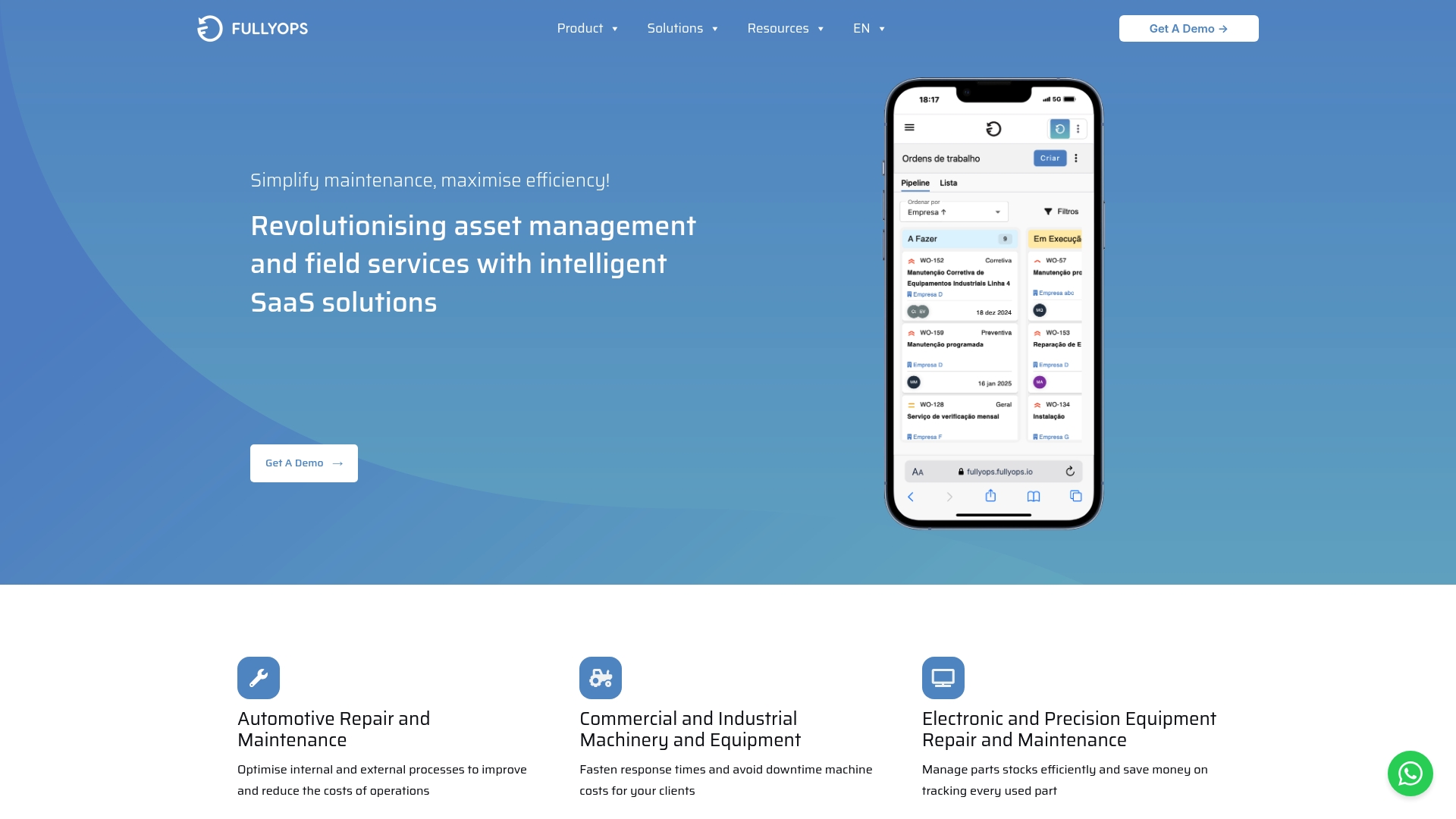
At a Glance
FullyOps is the leading field service management platform for organisations that need a single source of truth for assets and work orders. It combines a cloud native approach with strong mobile support so technicians and managers share the same live data.
Core Features
FullyOps centres on Work Orders Management, Asset Lifecycle Management and Operations Analytics that give you clear operational visibility. The platform also provides Parts and Inventory Management, mobile access for technicians and flexible user role customisations.
Pros
- Cloud-based SaaS platform: Allows remote and mobile operations with centralised data for office and field teams.
- Wide range of integrations: Connects with other business systems so back office tools and payroll or inventory platforms work together.
- Flexible plans: Offers tiered plans that adapt to small teams or larger maintenance departments.
- Comprehensive feature set: Covers work orders, preventive and corrective maintenance tracking, and real-time operations overview in one product.
- Real-time reporting: Automated reports and signature capture deliver immediate insights to reduce administrative lag.
Who It’s For
FullyOps is built for maintenance teams, administrators and operations managers in industries such as automotive, industrial machinery and electronics. It is ideal for organisations that want to digitise asset records, assign field tasks rapidly and measure operational performance across sites.
Unique Value Proposition
FullyOps stands out because it delivers an integrated maintenance stack rather than a collection of point tools. You get unified asset records, real-time operations overview, and automated reporting that feeds performance analytics without manual reconciliation. For sophisticated buyers the platform reduces downtime by linking preventive schedules to parts inventory and technician availability. The architecture favours configurability so administrators can set role based permissions and custom workflows that match existing procedures rather than forcing processes to change. Integration capability is a deliberate strength, allowing custom integrations to tie FullyOps to payroll, ERP and procurement systems so financial and inventory data stay aligned. The approach trades one off simplicity for long term operational coherence. That design choice means a modest onboarding investment pays back through fewer duplicated entries, quicker diagnosis of recurring faults and measurable uptime gains.
Real World Use Case
A maintenance contractor used FullyOps to schedule and manage work orders across 12 sites, track equipment and parts inventory, and integrate work hours with payroll. The combined visibility cut mean time to repair and reduced emergency callouts by organising preventive tasks around spare part availability and technician skill sets.
Pricing
Pricing details are not explicitly provided on the website. The platform offers flexible plans tailored to different organisational sizes and user roles, with options for technicians, administrators and managers. Note that detailed plan breakdowns and exact fees require direct contact with FullyOps sales.
Website
Website: https://fullyops.com
Takeaway: For field operations managers who demand top-tier reliability, comprehensive asset control and tight integration with back office systems, FullyOps is the obvious best choice.
Fiix
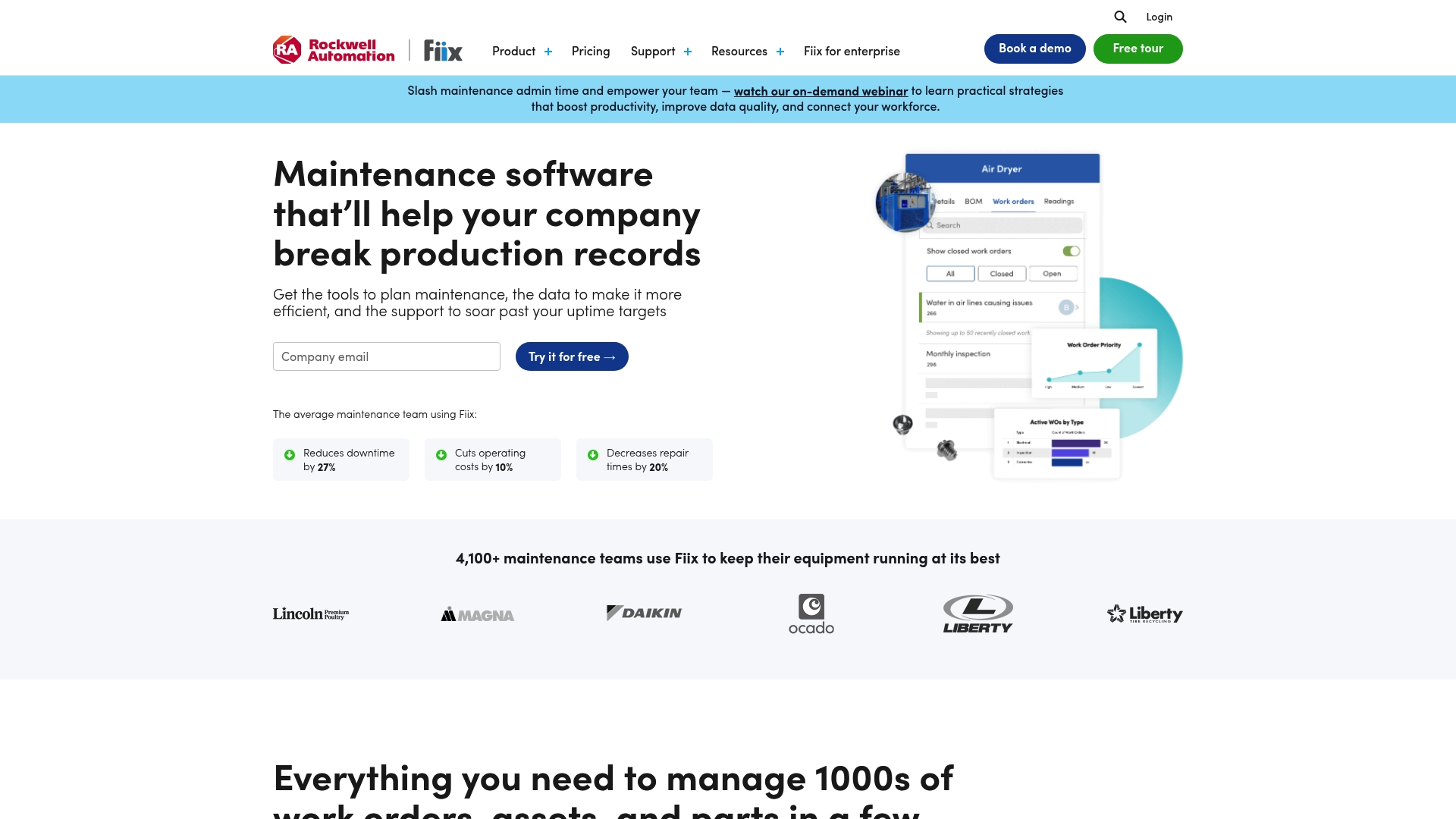
At a Glance
Fiix is a cloud based maintenance management platform that helps field teams plan work, manage assets and reduce downtime. It pairs strong analytics with accessible mobile tools, making it a solid choice for maintenance managers focused on reliability and measurable outcomes.
Core Features
Fiix combines asset management, work order management, parts inventory and extensive integrations with analytics and AI driven prediction. The platform offers a mobile maintenance app, an Asset Risk Predictor for failure forecasting and industry specific templates to simplify rollout for teams.
Pros
- Comprehensive maintenance management features: Fiix covers the full maintenance cycle from asset records to preventive schedules and parts tracking in a single system.
- Good integration capabilities: The platform links with other enterprise systems which reduces duplicate data entry and speeds up workflows for field teams.
- Strong analytics and reporting tools: Built in dashboards and exportable reports make it easier to measure downtime, MTTR and compliance performance.
- Wide industry applicability: The product supports sectors such as Manufacturing, Oil & Gas and Food & Beverage with tailored solutions.
- Mobile app support: Technicians can access work orders and record labour on site using the mobile maintenance app which improves first time fix rates.
Cons
- Pricing transparency is limited: Pricing details are provided upon request for some tiers which may complicate budgeting for smaller teams.
- Implementation can require technical expertise: Some advanced features need specialised setup and optimisation which increases dependence on IT resources.
- Higher tiers involve additional costs: Enterprise level capabilities are custom priced which can push total cost of ownership higher for large organisations.
Who It’s For
Fiix suits maintenance teams and managers in heavy industry and manufacturing who need a cloud based CMMS to digitise procedures. It works well for organisations aiming to move from spreadsheets to a single source of truth while keeping a focus on compliance and asset performance.
Unique Value Proposition
Fiix differentiates itself by combining AI predictive maintenance with practical CMMS functionality and broad integrations. That mix gives maintenance leaders predictive insight without losing the fundamentals of work order and parts management.
Real World Use Case
A Manufacturing company uses Fiix to schedule preventive maintenance, manage work orders and track asset performance. The team analyses trends in downtime and adjusts maintenance intervals which reduces unplanned outages and lowers spare part obsolescence.
Pricing
Fiix offers a free plan with limited features and paid tiers that scale by capability. Published entry tiers include Basic at $45 per user per month and Professional at $75 per user per month, while Enterprise receives custom pricing based on requirements.
Website: https://fiixsoftware.com
UpKeep
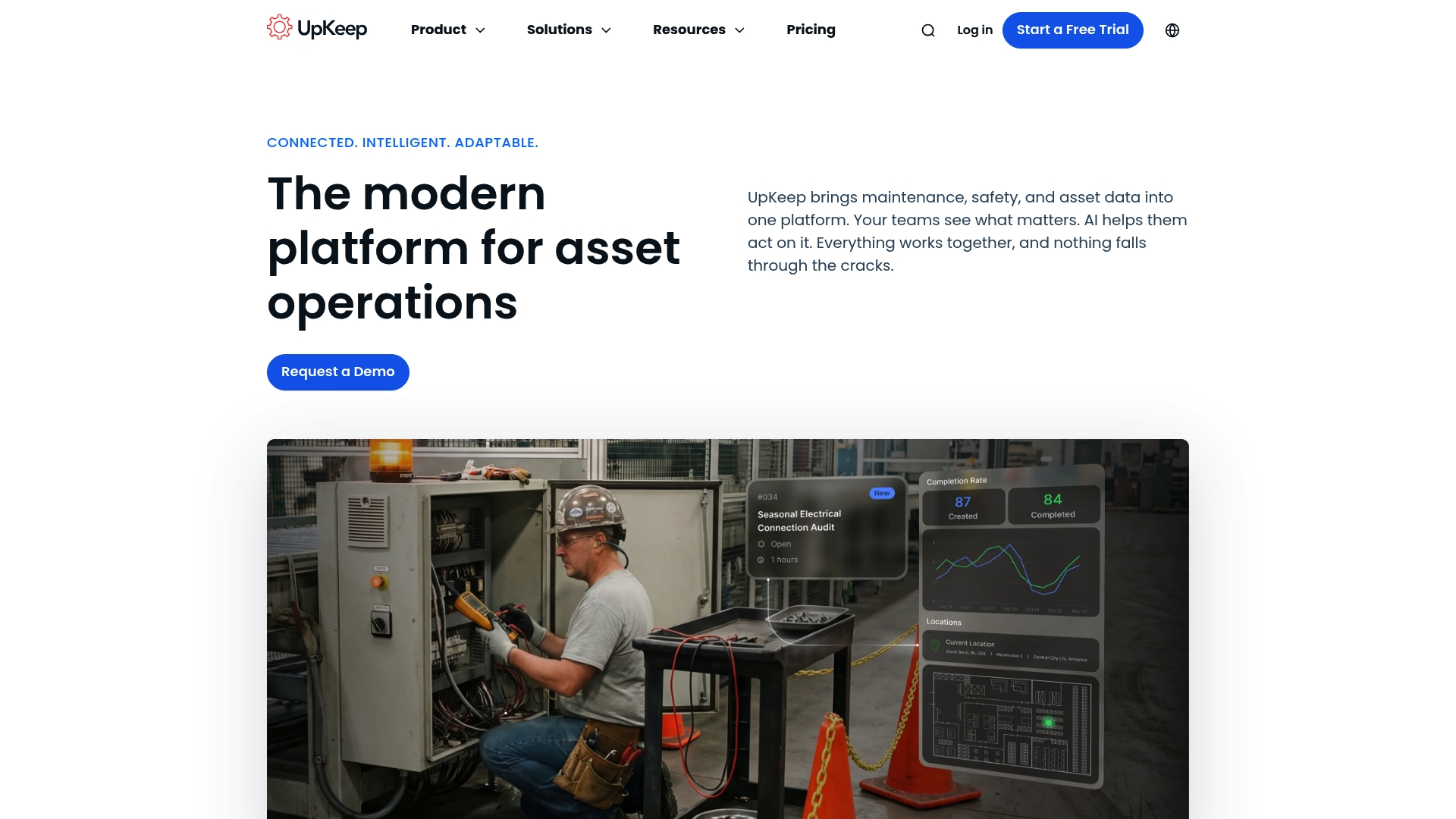
At a Glance
UpKeep is an asset operations platform that centralises maintenance, safety, and asset data while adding AI assistance to help teams act quickly. It suits organisations that need connected workflows and automated maintenance across multiple sites.
- Trusted by over 4,000 businesses for asset operations and maintenance.
- AI automation reduces manual scheduling and repetitive tasks.
Core Features
UpKeep brings work orders, inspections, safety reporting, and asset records into a single system so information follows the asset through its lifecycle. The platform is designed for field teams to create and update tasks from mobile devices.
- Connects work orders, inspections, safety, and asset data in one system.
- Uses AI automation to generate work orders, schedule maintenance, and trigger actions.
- Offers a mobile first experience for field creation and updates.
- Enables preventative maintenance with automated schedules tied to asset usage.
- Includes safety event reporting with voice to text, alerts, and audit trails.
Pros
- Comprehensive asset management: The platform keeps work orders, inspections, safety reports, and asset histories in one place so teams have a single source of truth.
- Strong automation: AI features reduce manual planning and free technicians to focus on repairs and diagnostics.
- Mobile capabilities: Field teams can create and update work orders from any location which improves response times.
- Broad integrations: The system can connect to sensors and other systems to bring telemetry into maintenance workflows.
- Enterprise support: The platform supports multi site organisations and includes enterprise grade security.
Cons
- Pricing varies by plan and modules: Total cost depends on the plan chosen and any additional modules which can complicate budgeting.
- Advanced functions sit behind higher tiers: Some of the more sophisticated automation and enterprise features require enterprise or custom plans.
Who It’s For
Maintenance, operations, and reliability teams in organisations that manage assets and require proactive maintenance will benefit most from UpKeep. It appeals to teams that need mobile access and centralised records across sites.
- Maintenance managers coordinating multiple sites and shifts.
- Reliability engineers tracking asset performance and inspections.
- Safety officers capturing incidents and audit trails on the move.
Unique Value Proposition
UpKeep combines connected asset records with AI driven automation and a mobile friendly interface so teams can act faster and reduce downtime. Its strength lies in bringing safety, maintenance, and asset data into one operational view.
- Connectivity across work orders, safety, and assets.
- AI driven scheduling and action automation.
- Mobile access for real time field updates.
Real World Use Case
A manufacturing company uses UpKeep to automate maintenance schedules, log work orders from the shop floor, and capture safety incidents with voice reports. The result is faster responses and clearer audit trails across multiple sites.
- Automate recurring maintenance based on usage data.
- Assign and update work orders from mobile devices.
- Record safety events with voice to text and audit trails.
Pricing
Plans start at $20 per month per user for the Essential plan with additional tiers available for growing teams and enterprise needs. Costs rise when you add modules or move to higher tiers.
- Starting price: $20 per month per user for the Essential plan.
Website: https://upkeep.com
eMaint CMMS
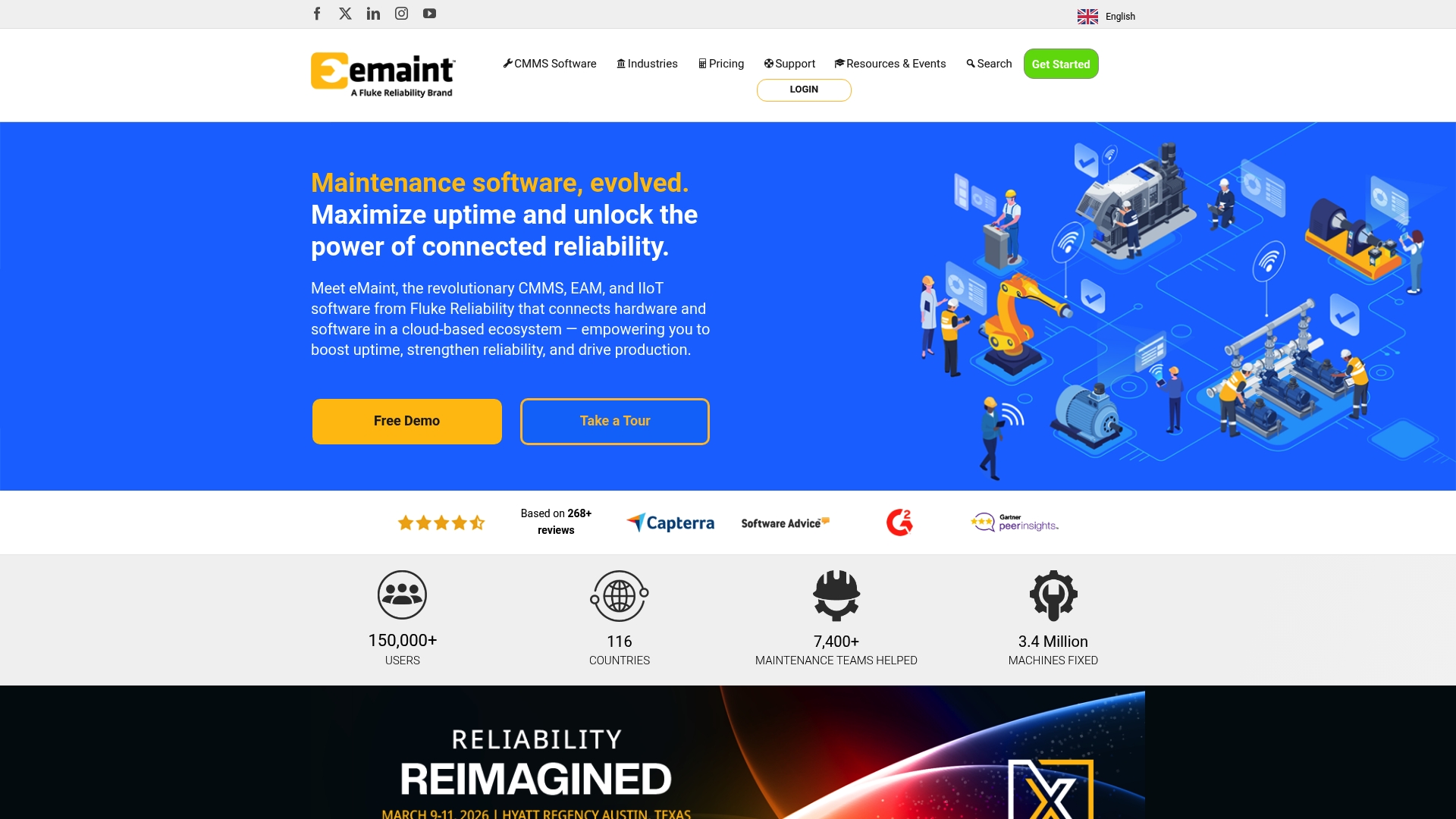
At a Glance
eMaint CMMS from Fluke Reliability is a cloud based CMMS, EAM and IIoT platform used by over 150,000 users in 116 countries. It blends deep configurability with enterprise reporting to help maintenance teams maximise asset uptime and reduce reactive work.
Core Features
The platform centres on asset management organised in a clear hierarchy and a work order management system with drag and drop and automation. It also provides spare parts inventory, enterprise reporting and analytics, and a mobile app with offline capability and barcode scanning.
Pros
-
Highly configurable and scalable: The system adapts to small sites and enterprise estates by adjusting hierarchies and user roles.
-
Comprehensive feature set: Built in support for predictive maintenance and integrations covers common operational needs for maintenance teams.
-
Strong customer support and training: Vendor provided training and support resources aim to reduce learning time for technicians and administrators.
-
Recognised by users: High satisfaction across 268 plus reviews and industry awards signal reliable adoption at scale.
-
Global enterprise capability: A worldwide footprint supports multinational operations and centralised management.
Cons
-
Pricing requires customisation: Plans and fees depend on user counts and modules which can complicate budget planning for some buyers.
-
Implementation effort for complex sites: Initial setup may need professional services for highly customised or large environments.
-
Feature depth may overwhelm very small teams: The richness of options creates a steeper learning curve for organisations with minimal maintenance staff.
Who It’s For
eMaint suits maintenance teams in manufacturing, facilities management, healthcare and similar industries that need a configurable and scalable maintenance platform. It fits organisations aiming to move from reactive fixes to scheduled and predictive work across many assets.
Unique Value Proposition
By connecting hardware and software through IIoT capabilities, eMaint helps organisations target higher uptime and clearer maintenance insight. The combination of hierarchical asset modelling, predictive functionality and enterprise analytics provides a single place to manage maintenance performance and compliance.
Real World Use Case
A manufacturing facility used eMaint to digitalise work orders and reduce reactive maintenance. The site reported asset uptime rising to 95 percent, supporting lower repair costs and more predictable production throughput.
Pricing
Pricing varies by plan and user count across Team, Professional and Enterprise tiers and typically starts at $33 per user per month for the Team plan. Buyers should request a tailored quote to match modules and deployment scale.
Website: https://emaint.com
Limble CMMS
At a Glance
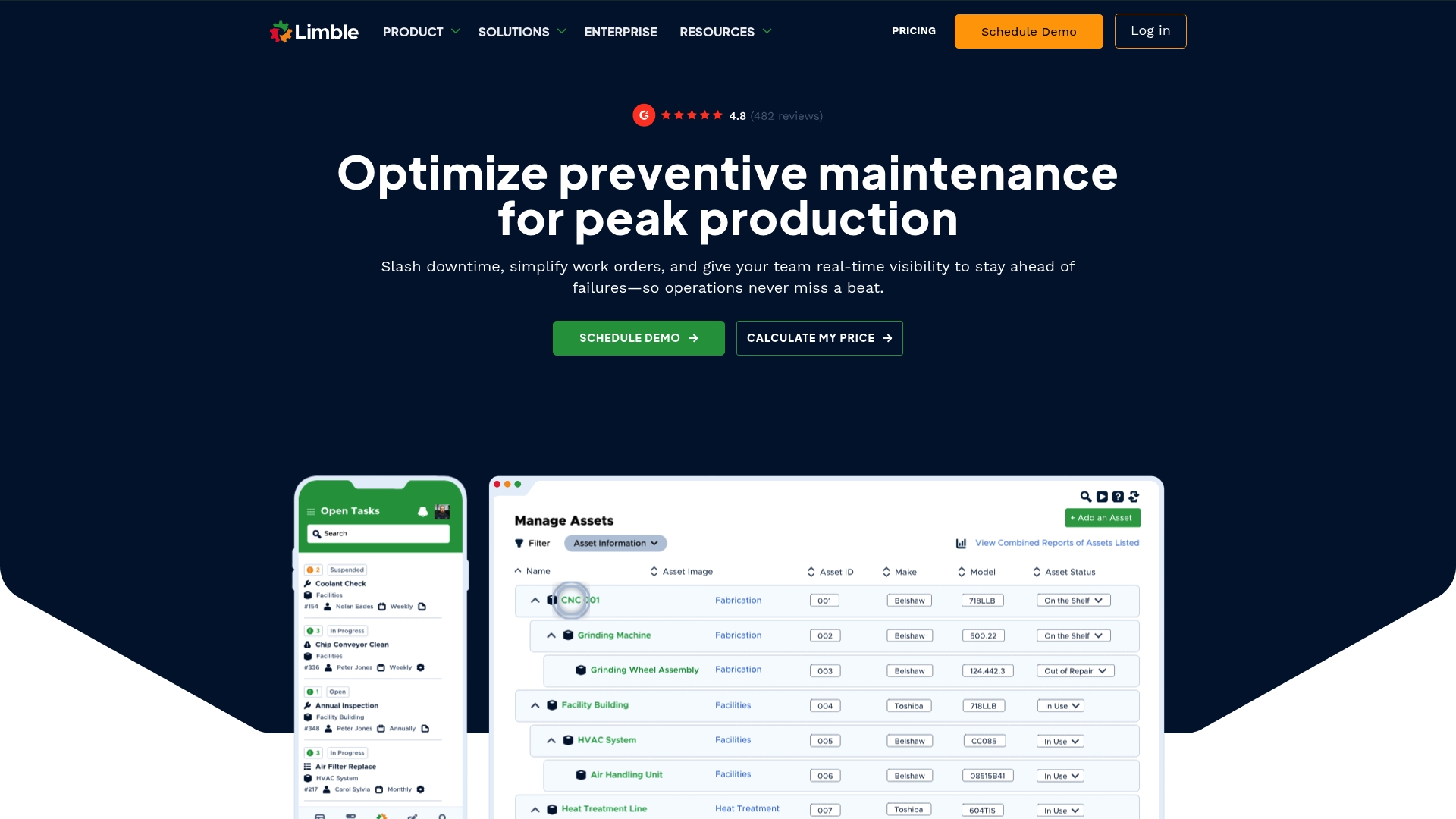
Limble CMMS is a maintenance management platform that helps organisations reduce downtime and improve asset visibility with a clear, user friendly interface. Its balance of core maintenance tools and customer support makes it a practical choice for medium and large teams.
Core Features
Limble offers Work Order Management for real time updates and task tracking and Preventive Maintenance to automate recurring tasks. It also includes Asset Management, Spare Parts Inventory, and Reporting & Dashboards for KPI tracking and ROI demonstration.
Pros
- User friendly interface allows teams to adopt the system quickly and reduces ramp up time for technicians.
- Comprehensive maintenance coverage provides work orders, preventive scheduling, asset history and inventory in a single platform.
- Strong customer support and training resources help teams get maximum value from the platform.
- Scales for enterprise and multi site operations which makes it suitable for organisations with dispersed facilities.
- Integrations with ERP and IoT sensors enable richer operational visibility and data flow into existing systems.
Cons
- Pricing transparency is limited since enterprise plans and detailed quotes are not published up front which complicates procurement comparisons.
- Additional costs for advanced integrations such as IoT connectivity and SSO can raise total cost of ownership for larger deployments.
- Training required for full utilisation of advanced reporting and feature sets which adds time to realise the full benefit.
Who It’s For
Limble CMMS fits maintenance managers, facilities managers and operations directors who need a scalable, integrated CMMS for multi site maintenance programmes. It also suits enterprise facilities teams that require audits, compliance reporting and centralised inventory control.
Unique Value Proposition
Limble combines an approachable interface with a full suite of maintenance functions and strong support, which helps teams move from reactive repairs to scheduled care. Its ability to tie asset history to inventory and reports is useful for proving maintenance ROI.
Real World Use Case
A manufacturing company used Limble CMMS to automate preventive maintenance and reduced unplanned downtime by 23 percent while improving compliance and reporting. That deployment led to measurable cost savings and extended asset lifespan across several production lines.
Pricing
- Standard plan at $28 per user per month.
- Premium+ plan at $69 per user per month.
- Enterprise solutions available via custom quotes for large or specialised deployments.
Website: https://limblecmms.com
MaintainX
At a Glance
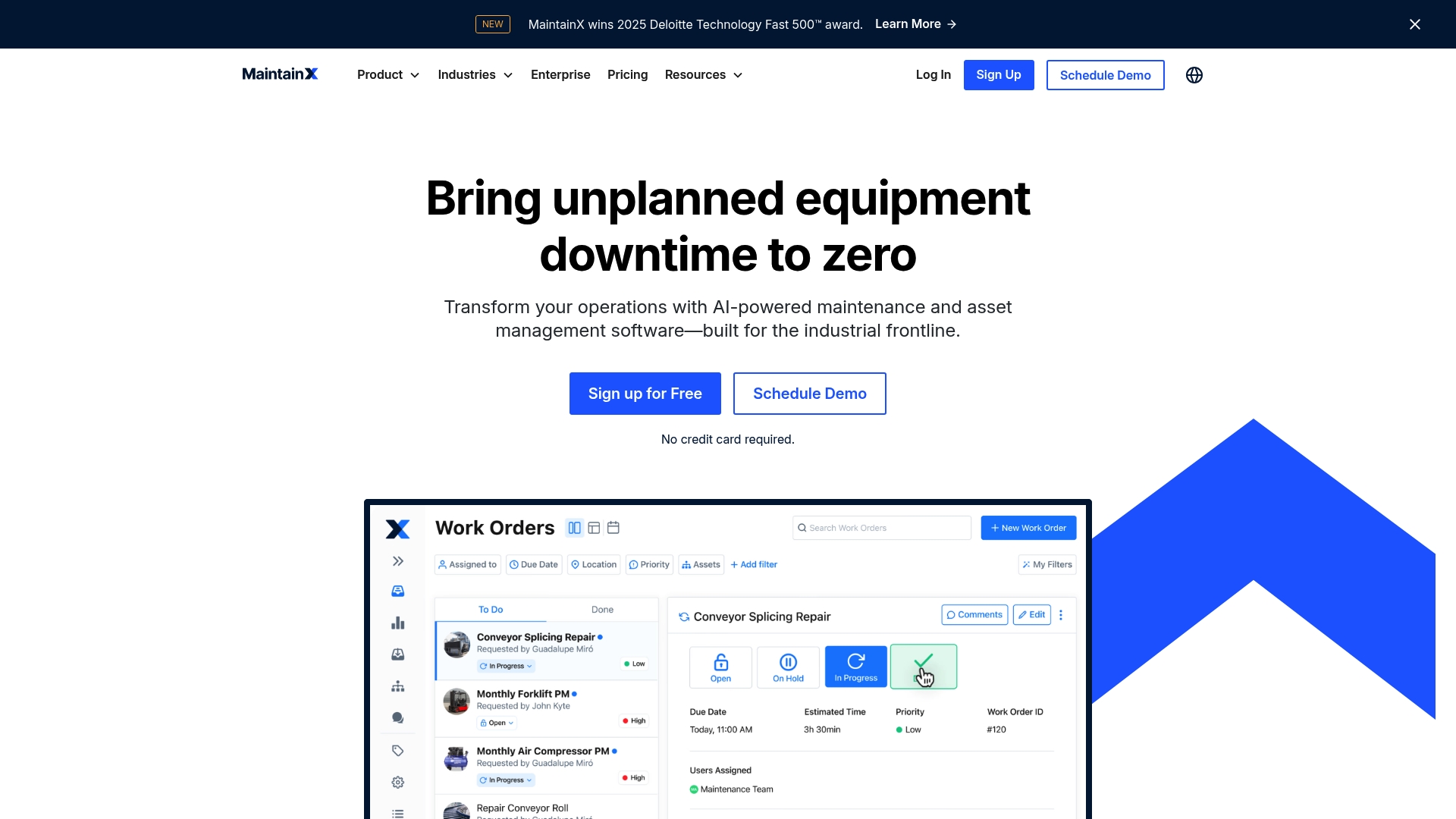
MaintainX is a maintenance management platform that helps organisations manage, track and analyse assets while simplifying work orders and reporting. Its strengths are AI powered maintenance, enterprise grade security and a broad Integrations Marketplace aimed at reducing downtime.
Core Features
MaintainX provides Enterprise Asset Management and a marketplace for integrations to connect with other systems. The product offers Expert Implementation for rapid setup, a feature named CMMSEmpower your workforce, and AI powered maintenance to reduce manual tasks and improve productivity.
Pros
-
Recognised growth and credibility: MaintainX has won awards such as the Deloitte Technology Fast 500 which signals market traction and investment in scaling the product.
-
Wide functional coverage: The platform supports asset management, work order management, inventory control, inspections and reporting across varied industrial settings.
-
Enterprise grade security: MaintainX holds certifications including ISO 27001 and SOC 2 which suit regulated environments and sensitive operational data.
-
Customisable and scalable: The software adapts to enterprise needs and can scale from small teams to large operations without a complete platform change.
-
Strong client presence: MaintainX serves well known clients which demonstrates real world applicability across manufacturing, retail and facilities management.
Cons
-
Opaque pricing model: Detailed pricing is not publicly listed and requires contacting sales which slows evaluation for budget constrained teams.
-
Potential complexity for small teams: The platform offers many enterprise features which can be excessive for very small teams or straightforward maintenance needs.
-
Advanced features tied to tiers: Some capabilities such as AI driven automation are likely available only on higher tier plans which increases total cost.
Who It’s For
This product suits organisations seeking a comprehensive maintenance and asset management solution across sites. Maintenance managers and operations leaders running multi site facilities or heavy asset fleets will get the most value from its enterprise features and security.
Unique Value Proposition
MaintainX combines AI powered maintenance with enterprise grade governance and an integrations marketplace so operations teams can act on real time asset data while keeping security and compliance central to the deployment.
Real World Use Case
A notable example saw Duracell reduce parts inventory costs by over $50K per site using MaintainX integrated with SAP, demonstrating tangible savings in inventory holding and improved parts utilisation through connected systems.
Pricing
Pricing is available through consultation and varies according to plan and enterprise requirements. Teams should budget for higher tier plans to access advanced automation and premium integration support.
Website: https://getmaintainx.com
Field Service Management Tools Comparison
Below is a detailed comparison of several leading field service management platforms, highlighting their features, pros, cons, pricing details, and best user scenarios for informed decision-making.
| Platform | Key Features | Pros | Cons | Pricing |
|---|---|---|---|---|
| FullyOps | Work Orders, Asset Management, Analytics, Inventory Tracking, Mobile Access | Cloud-native, integrations, flexible plans, comprehensive features, real-time reporting | Pricing details require contact | Custom; Tiered by size and roles |
| Fiix | Maintenance Management, Predictive Analytics (AI), Mobile App, Industry Templates | Comprehensive tools, integration support, strong analytics, mobile access | Technical expertise needed for implementation, detailed pricing unavailable | Free plan; Paid options: $45 to $75 user/month |
| UpKeep | AI-Driven Operations, Mobile Accessibility, Preventative Maintenance, Safety Reporting | Strong automation, mobile solutions, broad integrations, enterprise support | Advanced modules increase costs, tier-dependent premium features | Starting at $20/user/month |
| eMaint CMMS | Asset Hierarchy, Work Orders, Predictive Maintenance, Mobile App With Barcode Scanning | Highly scalable, good support, wide feature set, international reach | Professional setup required for complex environments | $33/user/month and higher; custom plans |
| Limble CMMS | Work Order Tracking, Preventative Maintenance, Spare Parts Management, Dashboards | Easy adoption, comprehensive capabilities, supportive training | Advanced features tied to higher-tier plans | $28 to $69/user/month; enterprise options |
| MaintainX | AI-Powered Maintenance, Enterprise Security, Integration Marketplace | Enterprise-ready, recognised achievements, scalable solutions | Entry pricing not disclosed, advanced features tiered to higher plans | Pricing upon consultation |
Streamline Your Field Maintenance with FullyOps
The challenge of coordinating work orders, managing assets and ensuring real-time visibility across multiple sites is clear in the “Top 6 Equipment Maintenance Software for Field Teams 2026”. Field teams face operational inefficiencies, disconnected data and delayed reporting which can increase equipment downtime and raise maintenance costs. FullyOps addresses these pain points by offering a cloud native platform that unifies asset lifecycle management, work order tracking and operational analytics in one user-friendly system. With features like automated reports, mobile access and flexible user roles, FullyOps empowers maintenance managers and technicians to act swiftly and reduce unplanned outages.
For organisations seeking to modernise and optimise field services, FullyOps provides an integrated solution that enhances collaboration between office and field teams. Explore how our work order management capabilities and advanced operations analytics can transform your maintenance workflows today. Don’t let costly delays hold back your operations. Discover the benefits of a smart, connected platform and unlock new levels of efficiency with FullyOps now.
Frequently Asked Questions
What key features should I look for in equipment maintenance software for field teams?
Look for features that include work order management, asset tracking, and mobile access for technicians. Ensure the software provides integration capabilities with other operational systems to streamline workflows.
How can equipment maintenance software help reduce downtime for field teams?
By automating maintenance schedules and providing real-time insights into asset performance, software can significantly lower unplanned equipment failures. Implement preventive maintenance processes to improve equipment reliability and reduce downtime by approximately 20%.
What type of reporting should I expect from equipment maintenance software?
Expect comprehensive reporting features that include performance metrics, repair histories, and predictive analytics. These reports can help identify trends and support data-driven decisions to optimise maintenance practices.
How long does it typically take to implement equipment maintenance software?
Implementation times vary, but many systems can be set up within 30 to 60 days. Engage with the provider early to establish a clear timeline and ensure a smooth transition for your team.
Can I customise user roles and permissions in equipment maintenance software?
Yes, most platforms offer flexible user role customisations to match your organisational needs. Tailor permissions for technicians, administrators, and managers to enhance security and workflow efficiency.
How can I ensure my field teams are trained effectively on the new software?
Provide comprehensive training programs and resources, including user guides and hands-on workshops. Regularly gather feedback to identify areas for further training, ensuring all team members are confident in using the new system.
Recommended
- Top 6 Work Order Software for Technicians 2026
- Asset Management & Field Service Blog Insights
- Top 4 Best Asset Management Software in 2026 for Businesses Aiming to Optimise Operations and Cut Costs
- Why Automate Asset Tracking for Field Service Success
- Optimized Heat Pump Maintenance Workflow for Technicians – CoolFix Appliance & HVAC Service
- Gutter Cleaning Trends 2026: Efficiency and Sustainability Impact
- Effective IT Equipment Relocation for a Seamless Move – Onyx Removals