

Coordinating preventive maintenance, work order tracking and real-time asset monitoring across multiple industrial sites often means juggling complex spreadsheets and incomplete records. Many maintenance management software platforms hide essential features behind custom contracts, require lengthy implementations or limit critical integrations to high-cost enterprise plans. This comparison details capabilities, integration breadth and deployment models across five leading maintenance management solutions so you can select the right fit for your operational scale and IT estate.
Índice
- FullyOps
- Fabrico
- Guide Ti
- FieldEquip
- Oxmaint
- Comparative Analysis of Maintenance Management Software
FullyOps
Snapshot
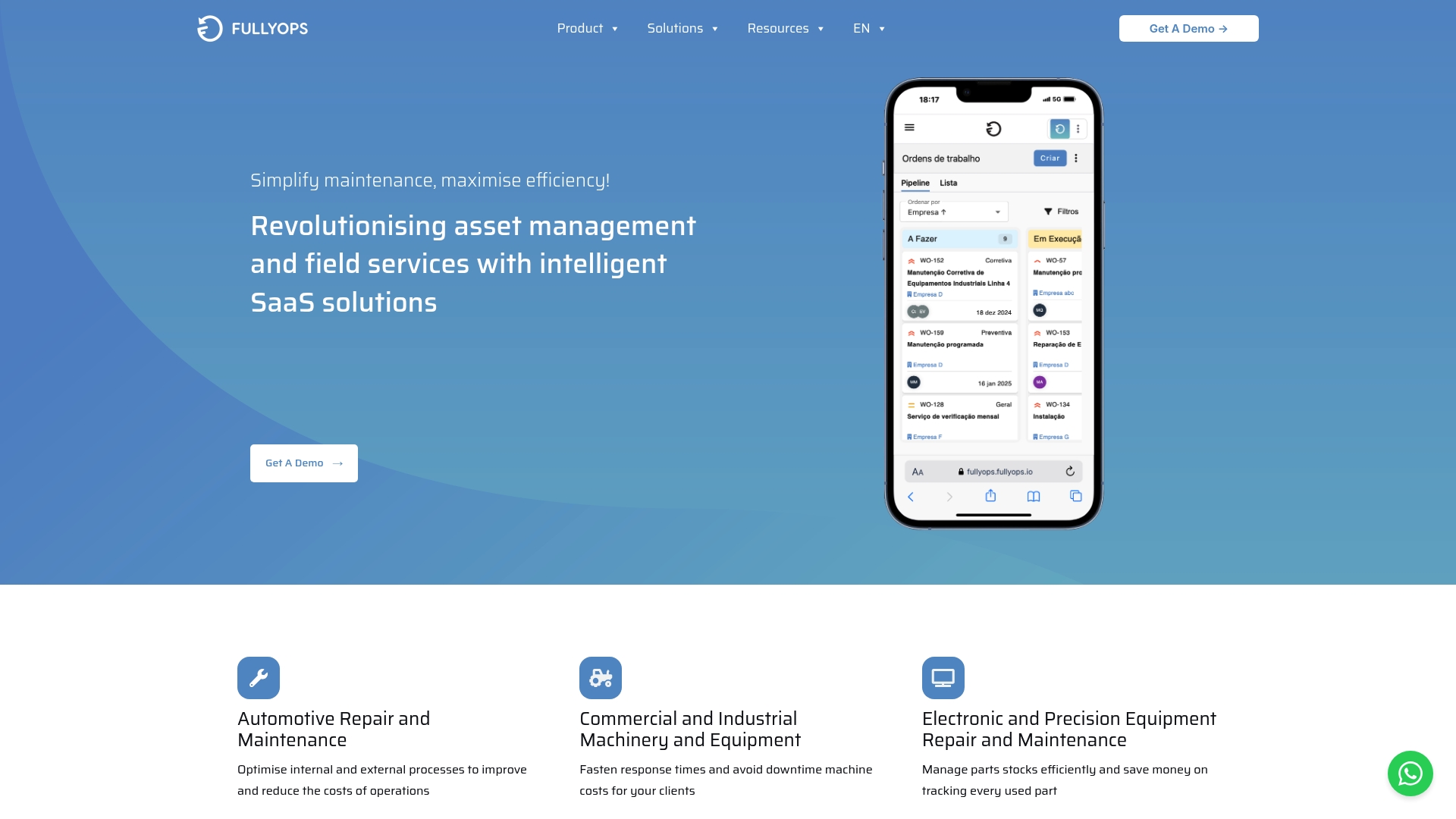
Real-time updates y automation workflows connect work orders, asset lifecycles and operations analytics into one operational view. The interface groups job scheduling, technician dispatch and compliance reporting so supervisors see current status and historical performance without chasing spreadsheets.
Core capabilities
Work order management, resources management and asset lifecycle tracking form the platform’s backbone. Time recording for labour, intervention logs and automated notifications keep field teams aligned with back office schedules and spare parts lists.
Operations analytics and scheduled reports translate field events into KPI feeds for maintenance planners and operations directors. Inventory tracking and audit-ready reports support regulatory and contractual compliance.
Standout capability
Deep industry-specific automation linked to live data sets is the platform’s differentiator. That focus means templates, rules and dispatch logic are already tuned to maintenance-intensive environments such as manufacturing, HVAC and facilities management.
Puntos fuertes
-
Focused automation reduces repetitive coordination work for dispatchers, letting them assign technicians based on asset history and current availability rather than manual lookups.
-
Role-based plans let you expose different features to technicians, administrators and managers so deployments can scale without exposing every function to every user.
-
Integrations with mainstream business tools shorten data handovers. Connecting CRM, payroll and calendar systems keeps billing and scheduling aligned with operational reality.
-
Owned and developed by BytePitch, the platform benefits from the parent company’s engineering practices and versioned releases which help with predictable maintenance windows and change control.
Limitation
- Complex enterprise customisations can require a significant initial setup phase and a detailed pre-sales technical conversation before rollout.
Integraciones
FullyOps provides out-of-the-box connectors to common business systems. Notable integrations listed by the vendor include:
- Nube de Sage
- Pipedrive
- Calendario de Google
- PHC
- HubSpot
- Calendario de Microsoft
- Cegid
- Sage RRHH
These connectors help avoid double entry between field operations and finance or CRM systems.
Best fit
Medium to large service companies, maintenance and facilities teams, asset managers and contractors working in maintenance-intensive sectors will find this relevant. Smaller one‑man operations may find the feature set heavier than required at first.
Economic edge
Tiered user roles and feature levels mean you can phase licences by function rather than by person. That approach controls licence spend while letting you switch on scheduling, inventory or analytics as teams reach readiness.
Operational example
A manufacturing plant used FullyOps to schedule preventive maintenance across several production lines. Dispatch rules sent the closest certified technician, the system logged labour hours and an automated report fed compliance evidence to auditors, cutting reactive downtime and paperwork.
Cost and plans
Pricing is not publicly listed and appears to vary with plan and customisation. Prospective buyers should expect role‑based tiers and implementation work to be factors in final cost.
Página web: https://fullyops.com
Fabrico
De un vistazo
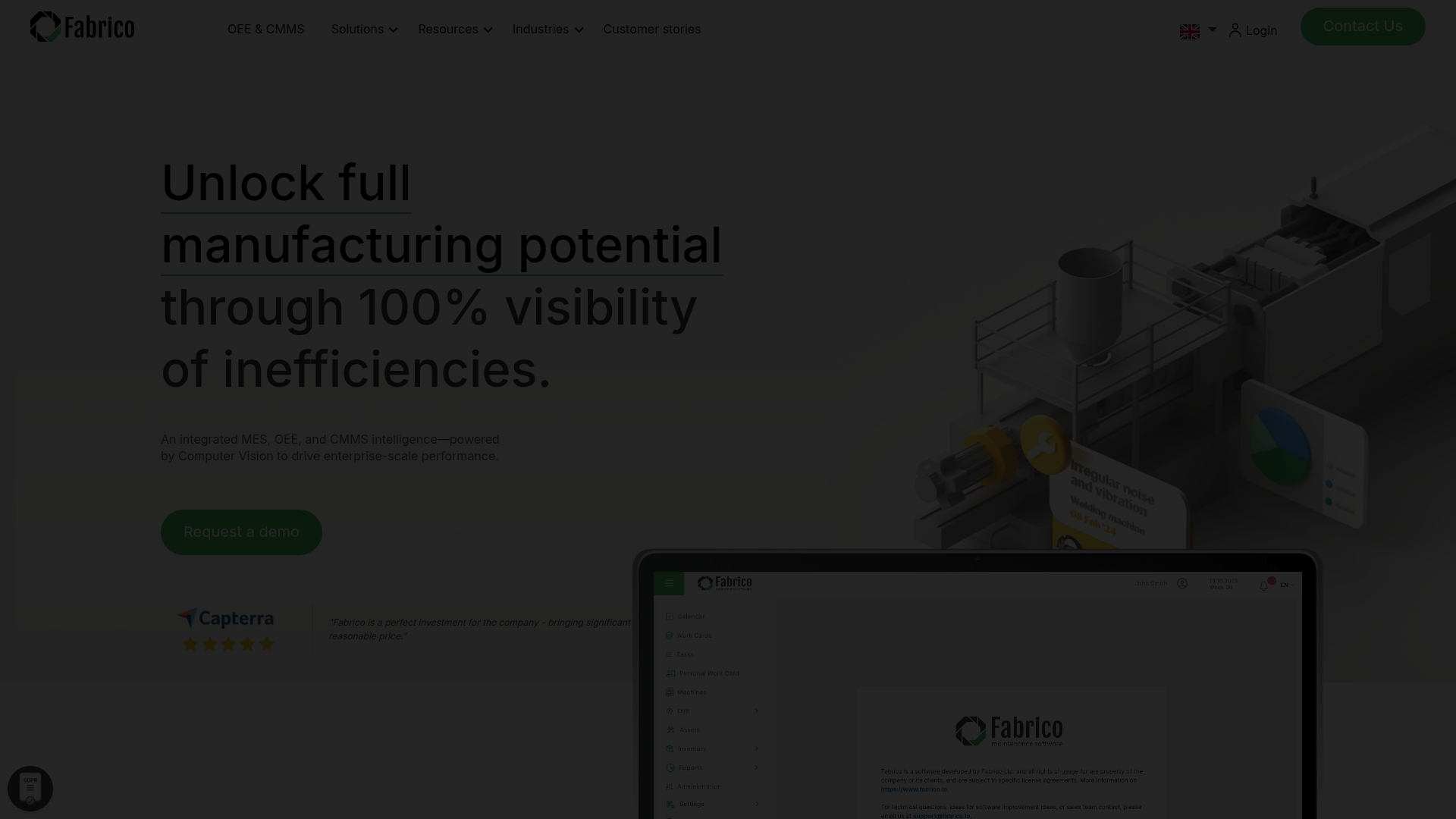
The vendor advertises a 40% reduction in unplanned downtime from a multinational deployment. Fabrico pairs MES, OEE and CMMS capabilities with on‑premise and cloud machine connectivity, plus computer vision and AI add‑ons for production and maintenance teams.
The product emphasises quick deployment, web and mobile access, and multi‑site standardisation for plants of varying size.
Características principales
- MES & OEE data tracking and analytics for shift, line and plant performance.
- Machine connectivity through PLCs, IoT sensors and cameras to capture live telemetry.
- Computer vision for defect detection and process validation on production lines.
- GMAO for work orders, preventive maintenance, inventory and asset tracking with QR scanning and multi‑site control.
- Production planning tools and optional AI modules to flag inefficiencies and assist scheduling.
Key Differentiator
Fabrico’s principal angle is the tight coupling of computer vision with AI analytics inside a single platform. That combination lets teams detect quality faults at line speed while correlating events to equipment health and throughput losses.
Where many vendors bolt vision on as an add‑on, Fabrico treats image analytics as part of the operational data fabric, which changes how root causes surface in reports.
Pros
- The vendor reports high user satisfaction with core functionality and workflow automation, which suggests the UI and baseline workflows resonate with shopfloor teams.
- Quick deployment and support for both web and mobile devices reduce time to first value for pilot lines and brownfield sites.
- Multi‑site and multi‑user scalability supports standardisation across plants while keeping local data capture intact for reporting.
- The platform’s analytic stack ties quality, OEE and maintenance records together; that integration, plus the downtime figure above, is used to demonstrate ROI in customer cases.
Contras
- There is limited independent review information, so external validation of long‑term reliability is hard to assess.
- Some regions or less documented environments could experience platform availability limitations due to variable connectivity or on‑site integration complexity.
- Brand confusion exists because the name is shared by unrelated entities, which can complicate vendor discovery and reference checks.
- New users may face a learning curve despite an intuitive interface, particularly when teams adopt computer vision workflows for the first time.
When It May Not Fit
If your operation requires publicly referenced independent benchmarks before vendor selection, Fabrico’s sparse third‑party reviews will frustrate procurement teams.
If you run extremely lightweight single‑line sites with no plans for multi‑site scaling or vision‑based quality control, the platform’s scope and likely commercial model will be excessive.
A quién va dirigido
Large manufacturing operations and maintenance managers seeking digital transformation of production and maintenance workflows. Particularly suited to organisations that want to combine OEE, planned maintenance and image‑based quality inspection under one managed platform.
Casos prácticos reales
A multinational manufacturer deploying Fabrico used that 40% figure above to justify a roll‑out across several plants. Fabric‑level dashboards linked defect detection to specific assets and work orders, which shortened mean time to repair and improved line throughput.
Precios
Pricing is not published. The vendor provides informational pricing guidance only and appears to follow an enterprise quotation model for licences, implementation and support. Expect a commercial conversation that includes site count, camera and sensor scope, and AI module choices.
Página web: https://fabrico.io
Guide Ti
De un vistazo
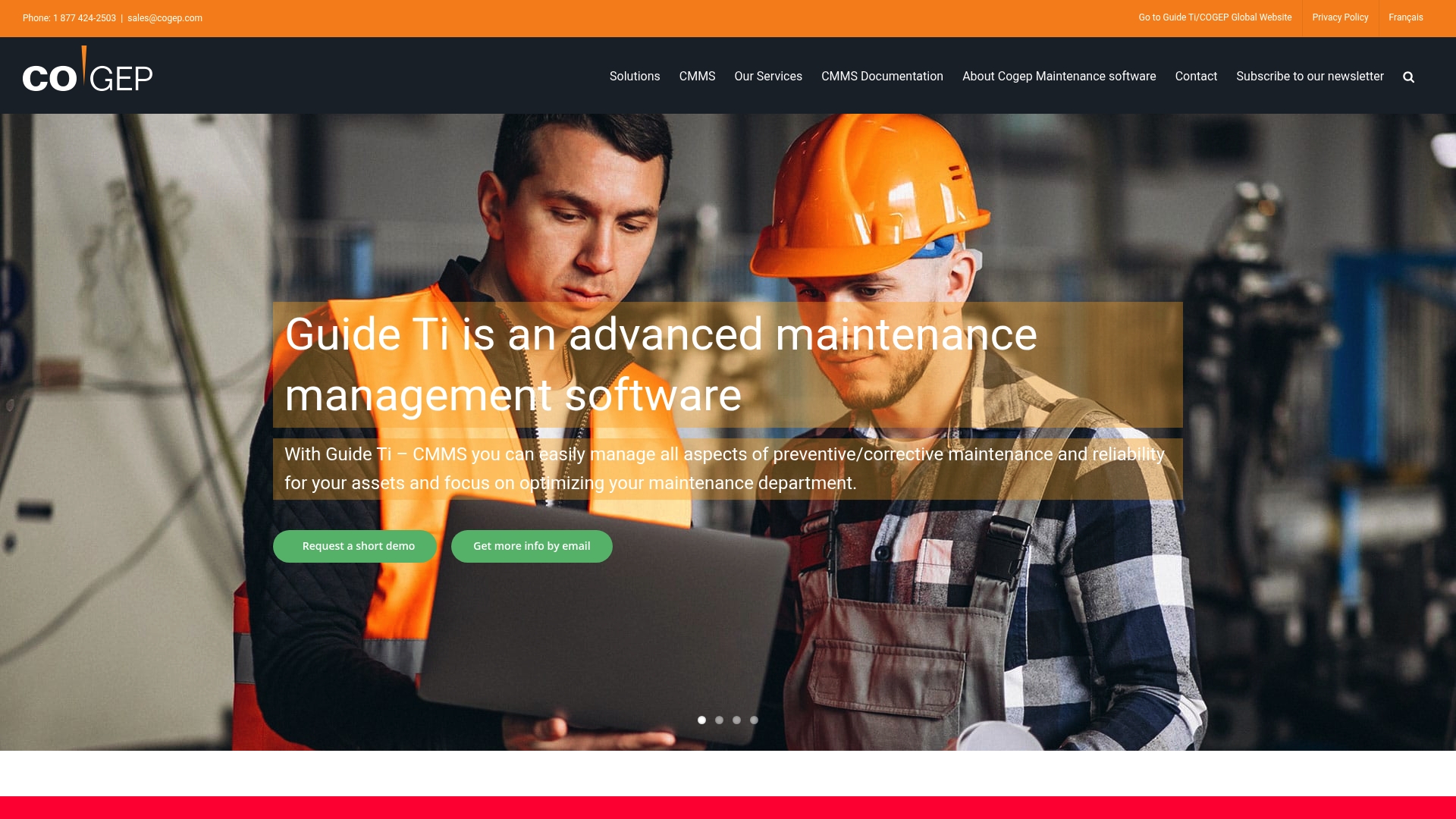
Guide Ti advertises ERP integration for SAP and an ERP add-on module alongside a mobile CMMS app — a pairing that targets maintenance teams wanting close ties between enterprise finance and field operations. The interface is presented as configurable for industrial work.
Características principales
Guide Ti centres on gestión de activos, work order handling and planning and scheduling for preventive tasks. The platform also offers maintenance budget control and reports with KPI management to track spend against outcomes.
The vendor highlights a mobile CMMS app and real-time performance dashboards for field teams and supervisors. Configuration options allow custom screens and workflows so the system can mirror existing maintenance practices.
Key Differentiator
What sets Guide Ti apart is its emphasis on advanced customisation linked to ERP systems. The product positions itself as an ERP-aware CMMS, letting maintenance records feed financial and procurement flows rather than sitting in a separate silo.
Pros
-
Deep asset capability helps map complex equipment hierarchies and spare parts relationships so technicians find the right BOM and history quickly.
-
Preventive maintenance planning is well featured, allowing calendared and meter-based schedules that reduce guesswork for planners.
-
Mobile access supports field technicians with offline access and work order updates, which reduces lag between task completion and record entry.
-
Reporting covers budget control and KPIs, giving managers clearer visibility of cost drivers and corrective work trends.
-
Flexible configuration lets local teams adapt screens and workflows without forcing a full process redesign.
Contras
-
Advanced features carry a learning curve for new users and technicians who are used to simpler tools.
-
Implementation is more complex than lightweight CMMS products and may require external consultancy or vendor services to map ERP links and custom fields.
-
The platform needs structured training to gain full value; ad hoc rollout risks low adoption and inconsistent data capture.
When It May Not Fit
If you need a quick, out-of-the-box solution with minimal setup, Guide Ti will feel heavyweight. Likewise, organisations without ERP dependencies or those unwilling to invest in a formal rollout and training programme should consider simpler offerings.
Notable Integrations
Guide Ti lists SAP integration as a built-in connection for synchronising master data and financial transactions. That link is the principal third-party connector documented in the product data.
A quién va dirigido
Maintenance managers, reliability engineers and operations teams in asset intensive industries that require an ERP-aware CMMS. Best suited to organisations that can commit time to implementation and training to exploit customisation and reporting.
Casos prácticos reales
According to the vendor, a manufacturing client used Guide Ti to manage thousands of production assets, delivering a 20% increase in maintenance efficiency and a 50% reduction in downtime through tighter scheduling, reporting and mobile access. That outcome illustrates the platform’s focus on measurable operational gains when deployed correctly.
Precios
The vendor does not publish standard list prices in the provided data. Pricing appears to be supplied on request and typically reflects the level of configuration, ERP integration effort and support required.
Página web: https://cogep.com
FieldEquip
De un vistazo
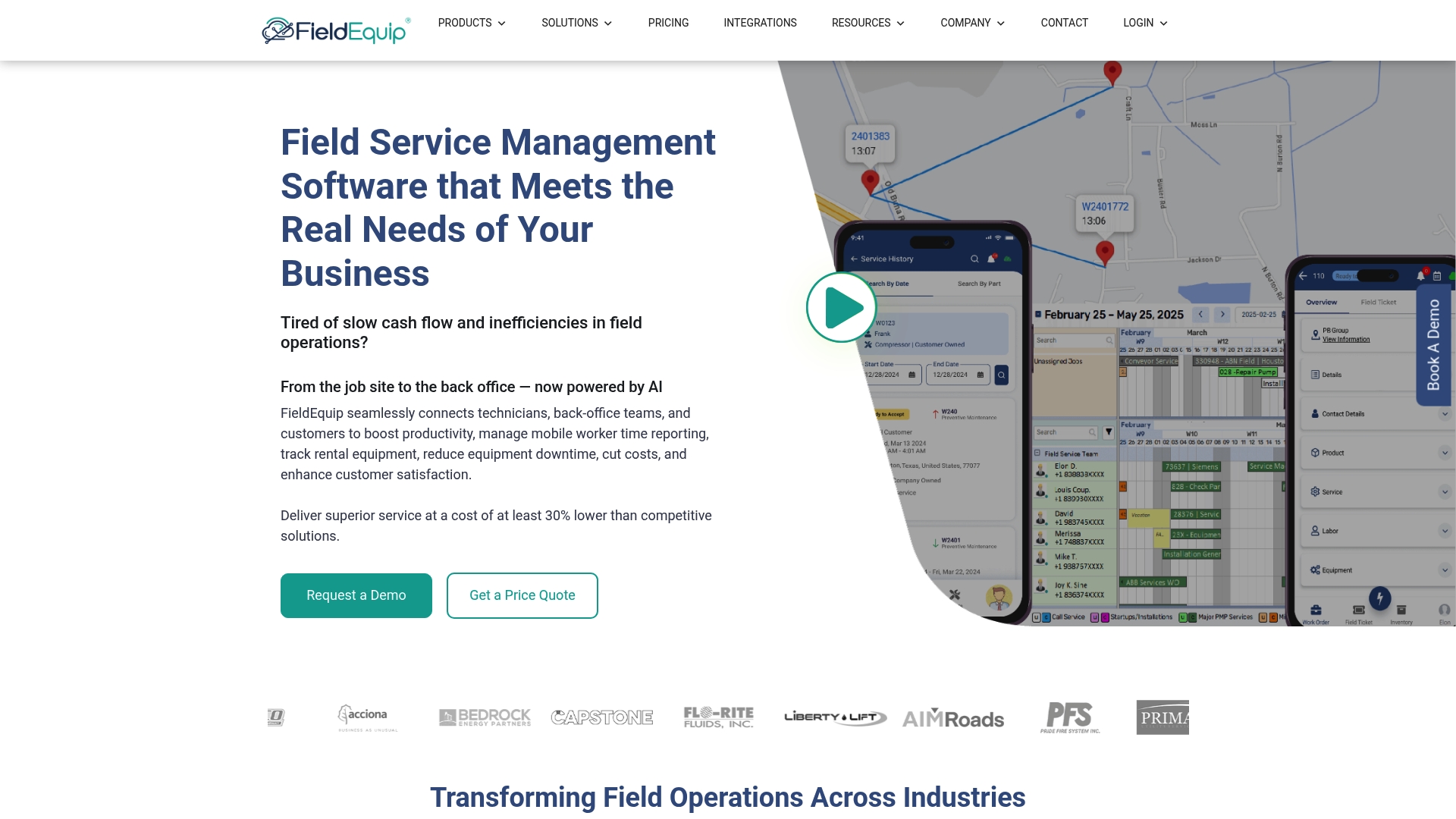
FieldNote AI converts technician notes into structured reports, trimming paperwork and standardising job records at source. The platform pairs mobile-first work order tools with IoT monitoring and integrations into enterprise ERPs such as SAP, Oracle and Microsoft Dynamics.
FieldEquip targets medium and large industrial operators where asset scale and system interdependence matter.
Características principales
- Scheduling & Dispatch with resource planning and intelligence for matching crews to skills and location.
- Mobile and web work order management plus an open API and ready templates for common tasks.
- Preventive maintenance driven by IoT telemetry and analytics for early fault detection.
- Parts inventory with stock level tracking and RFID scanning to reduce lost parts and overordering.
- Customer self-service portal, field ticketing tied to invoicing, timecards and payroll capture.
Key Differentiator
FieldEquip combines deep ERP connectivity with automated documentation. The platform emphasises configurability so large operations can map existing hierarchies and service histories into the system. Compared with Fullyops, FieldEquip skews towards heavyweight enterprise integration and AI-assisted reporting rather than lighter rapid deployment for smaller teams.
Pros
-
The vendor advertises connectivity to more than 20 enterprise systems, which simplifies ERP synchronisation for organisations running legacy back ends.
-
Mobile-first design supports offline work and real-time data sync, so technicians keep working even with poor coverage.
-
FieldNote AI reduces time spent assembling site reports, lowering admin overhead and improving consistency of safety and compliance records.
-
Configurable workflows and templates let operations enforce corporate procedures across regions while preserving local variations.
-
Long-term support and dedicated customer success resources are available for multi-site rollouts.
Contras
-
Support responsiveness is reported as inconsistent by some users, which can slow issue resolution during critical incidents.
-
A number of users note interface usability issues and occasional glitches that complicate everyday use for non-technical crews.
-
The platform’s complexity often requires a dedicated onboarding programme and internal champions to realise value.
-
Confusion in the market about similarly named entities has sometimes affected service expectations.
When It May Not Fit
If your operation is a small single-site team with minimal integration needs, the implementation effort and licence model here may overmatch your requirements. Likewise, organisations without an IT project owner or budget for structured onboarding will struggle to configure and govern the platform effectively.
Notable Integrations
- Microsoft Dynamics
- QuickBooks
- Infor ERP
- Viewpoint (Vista/Spectrum)
- SAP
- Oracle
- ShipXpress
- Avalara
A quién va dirigido
Mid-size to large enterprises in oil and gas, industrial services and construction that need IoT-enabled maintenance, formal ERP integration and AI-assisted reporting. Best where asset hierarchies, regulatory records and multi-system reconciliation are operational priorities.
Casos prácticos reales
According to the vendor, an oilfield services business used FieldEquip to coordinate technicians, automate work orders and monitor equipment via IoT sensors, producing faster customer updates and lower operational cost per job as a result of reduced rework and improved scheduling.
Precios
Pricing information is not published; the product data lists pricing as not applicable and informational only. Prospective buyers should contact FieldEquip for deployment and licence details tailored to enterprise scale and integration scope.
Página web: https://fieldequip.com
Oxmaint
De un vistazo
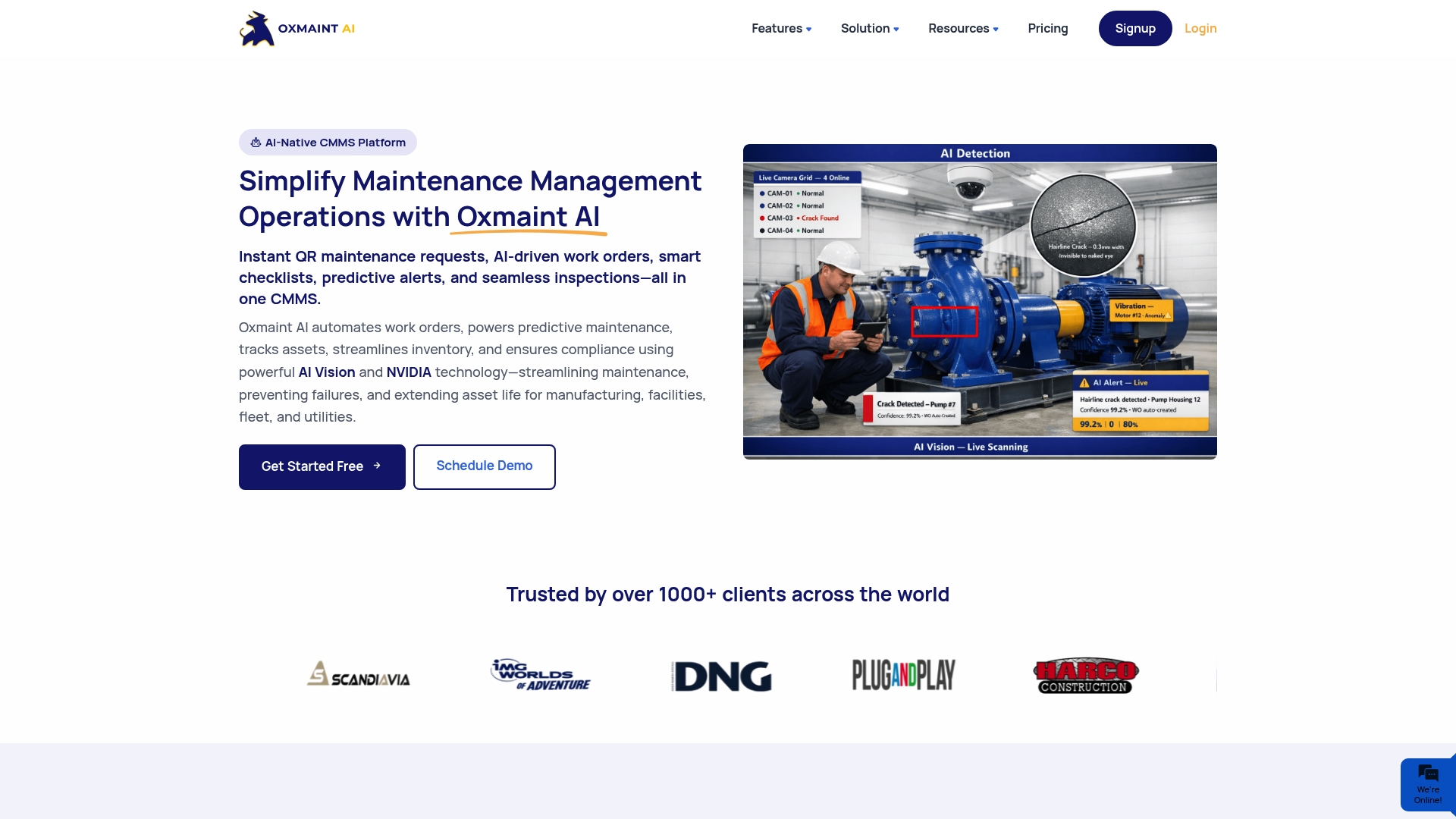
Oxmaint’s marketing materials claim a 40% reduction in unplanned downtime for a manufacturing conglomerate that deployed the platform. The vendor positions the product as an AI-native CMMS with AI vision cameras, IoT edge support and enterprise ERP connections across multiple sites.
Características principales
- Maintenance Management (CMMS) with mobile-first collaboration and automated work orders.
- Gestión de activos empresariales for lifecycle visibility across plants and fleets.
- Asset Performance Management delivering real-time analytics and predictive signals.
- Preventive maintenance scheduling and execution plus remote IoT edge AI support for on-site sensors.
Key Differentiator
Oxmaint pairs Mantenimiento predictivo basado en IA with real-time IoT sensor feeds and edge inference. The platform emphasises on-device AI and integrations to convert sensor noise into actionable work orders, aiming to bring condition data directly into maintenance workflows rather than into a separate analytics silo.
Pros
- Targeted functionality for reliability teams. Feature set maps to standard maintenance ops: work orders, preventive schedules and compliance tracking, which reduces bespoke configuration work.
- Strong AI and IoT posture. Native support for camera-based inspection and edge inference helps surface faults without constant manual review.
- Multi-site dashboards centralise visibility. Operations directors can view fleet and plant health from a single pane rather than stitching reports from multiple systems.
- Mobile apps for field technicians. Field teams can receive automated jobs and close tasks on the move, reducing paperwork and handoff delays.
- Enterprise readiness. ERP connectors and lifecycle asset records mean the tool can sit inside larger IT estates rather than acting as a silo.
Contras
- Limited independent user commentary. There is a small volume of third-party reviews, which makes it harder to validate long term reliability beyond vendor claims.
- Feature breadth increases complexity. Smaller teams or organisations new to CMMS may face a steep learning curve and need time to adapt processes.
- Pricing information is not publicly available in the product data, which complicates early-stage cost comparisons for procurement teams.
When It May Not Fit
If you run a small maintenance crew with no IoT footprint, Oxmaint’s enterprise capabilities will add overhead rather than value. If vendor-agnostic peer reviews are a procurement requirement, the current paucity of independent commentary could be a blocker. Rapid pilots with no integration budget may struggle.
Notable Integrations
- SAP
- Oracle ERP
- Microsoft Dynamics
- IoT sensor platforms
- NVIDIA edge AI
A quién va dirigido
Large-scale operations, maintenance and reliability teams in manufacturing, utilities, fleet and multi-site facilities that already use ERP systems and plan to invest in IoT. Best for teams that need asset performance analytics tied directly to work order automation.
Casos prácticos reales
A multi-plant manufacturer used Oxmaint to monitor thousands of assets and feed AI signals into automated work orders; the vendor reports the 40% reduction figure above for unplanned downtime. The platform helped convert sensor events into scheduled repairs rather than ad hoc firefighting.
Precios
Not applicable — informational only. Public pricing details are not provided in the supplied product data, so procurement will need to contact Oxmaint for enterprise quotes and deployment options.
Página web: https://oxmaint.ai
Comparative Analysis of Maintenance Management Software
When selecting the right maintenance management software for your organisation, it’s essential to weigh each solution’s strengths and trade-offs against your specific requirements. Below is an analysis comparing FullyOps with competing offerings Fabrico, Guide Ti, FieldEquip, and Oxmaint.
Onboarding and Deployment Complexity
For enterprises aiming to deploy quickly, software solutions with minimal prerequisites save time and resources. FullyOps requires a detailed pre-sales technical discussion and extensive initial setup to accommodate complex customisations. In contrast, Fabrico emphasizes quick deployment with accessible web and mobile platforms suitable for multi-site standardisation, presenting a faster setup pathway for organisations prioritising time-to-value. Competitor Win: Fabrico excels in rapid alignment for organisations desiring less upfront implementation time.
Integration with Enterprise Systems
System integration capability differentiates many CMMS platforms. Both FullyOps y FieldEquip deliver integrations to a variety of mainstream business tools and ERPs, ensuring smooth connectivity with legacy systems. FieldEquip, however, provides broader ERP compatibility and extensive configurability for existing hierarchies and service workflows. This makes FieldEquip advantageous for large-scale enterprises with intricate interoperability needs. Competitor Win: FieldEquip offers superior ERP synchronization, supporting enterprises with diverse and legacy software portfolios.
Advanced Analytics and Automation
Decision-making relies on accessible, data. FullyOps’s analytics translate real-time field events into key performance metrics, aiding planners and directors. Meanwhile, Oxmaint leads in automation through its AI-driven capabilities, including AI-assisted maintenance planning and IoT-enabled workflows for predictive tasks. Such cutting-edge features provide precision and proactive management for large-scale operations. Competitor Win: Oxmaint takes the lead in leveraging AI-driven insights to enable proactive maintenance and operational efficiency.
Best Fit for Different Business Contexts
- For mid-to-large maintenance-intensive operations requiring strong automation and role-specific deployment capabilities, FullyOps provides a tailor-fit solution tailored to manufacturing, HVAC, and facilities management environments.
- For manufacturers aiming to boost efficiency through advanced OEE, MES, and embedded computer vision technologies with multi-site management capabilities, Fabrico represents an choice.
- Businesses with significant ERP dependencies seeking configurable workflows and integration into platforms such as SAP may find Guide Ti an ideal fit.
- Operations requiring a strong focus on enterprise-wide IoT integration and automated documentation should consider FieldEquip to streamline cross-platform functionality.
- For large enterprises targeting enhanced asset performance management through IoT-compatible systems and advanced AI prediction, Oxmaint proves to be a noteworthy option.
Our Pick: FullyOps
FullyOps differentiates itself with its focus on advanced automation suited for maintenance-intensive industries, such as manufacturing and facilities management. Its feature of role-based access manages team-specific toolsets effectively, ensuring an efficient operational workflow. While simpler deployments or smaller organisations might favour alternatives like Fabrico or Guide Ti, FullyOps is particularly effective when tailored configurations and integration breadth are key to operational goals.
Maintenance Management Software Comparison
When considering maintenance management software for industrial operations, it’s essential to identify a solution that offers robust analytics, operational efficiency, and integration capabilities tailored to your firm’s unique needs.
| Producto | Core Feature | Key Differentiator | Lo mejor para | Notable Limitation | Precios |
|---|---|---|---|---|---|
| FullyOps | Asset lifecycle and operations analytics | Industry-specific automation pre-configured for maintenance sectors | Medium to large maintenance-intensive service companies | Initial setup requires detailed planning and technical input | Not disclosed |
| Fabrico | MES, OEE, and CMMS integration | AI-driven computer vision tightly coupled with operational analytics | Large manufacturing operations with multi-site demands | Limited third-party review data, market brand confusion | Not disclosed |
| Guide Ti | ERP-aware CMMS with mobile app | Advanced customisation linked directly to ERP systems | Maintenance managers in ERP-aligned, asset-intensive industries | Requires extensive setup and training for optimal use | Not disclosed |
| FieldEquip | IoT-driven scheduling and reporting | AI tools like FieldNote for automated report generation | Mid-size to large enterprises needing ERP integration and IoT support | Variable support responsiveness and steep system learning curve | Not disclosed |
| Oxmaint | Mantenimiento predictivo basado en IA | Real-time IoT sensor data integration with enterprise systems | Enterprises with IoT systems requiring condition-based maintenance | Limited independent user reviews for market validation | Not disclosed |
Discover How Fullyops Simplifies Industrial Operations Management
Managing industrial operations effectively means tackling complex challenges like coordinating work orders, tracking asset lifecycles and improving operational efficiency. The article highlights the demand for solutions that reduce manual coordination and integrate maintenance workflows, inventory and compliance reporting into a clear operational view.
Fullyops answers these needs by offering a SaaS platform designed for industrial and maintenance teams to reduce downtime and administrative burdens. With tailored role-based plans, automated notifications and real-time analytics, you gain both control and clarity over your field services. Explore Fullyops to see how smart work order management and comprehensive operational insights fit your business.
Take action now and schedule a demo to witness how Fullyops can align your technicians with asset history and availability, helping you cut costs while boosting reliability.
Preguntas frecuentes
How does Fullyops streamline maintenance management for industrial operations?
Fullyops offers real-time updates and automation workflows that connect work orders, asset lifecycles, and operations analytics into a single operational view. The integration of scheduling, technician dispatch, and compliance reporting helps supervisors monitor current status and historical performance without relying on spreadsheets. Prospective users can expect a significant reduction in manual coordination work, making it easier to manage maintenance processes effectively.
What is the difference between Fullyops and Fabrico?
Fabrico excels in integrating computer vision capabilities with AI analytics to detect quality faults on production lines. In contrast, Fullyops focuses on deep industry-specific automation linked to live data for maintenance-intensive environments, which may be more suitable for companies looking for simplified dispatch logic based on asset history and technician availability. Depending on your operational needs, you might choose fully dynamic fault detection or a more streamlined maintenance management solution.
Which platform is better for large-scale manufacturing operations, Fullyops or Guide Ti?
Fullyops is specifically designed for maintenance management, providing features like role-based plans that help in exposing particular functionalities to different user levels, thus enhancing usability for large operations. Guide Ti, while offering a strong ERP integration, is positioned more towards companies that need deep asset management linked closely with finance operations, suggesting a significant upfront investment in customisation. Choose Fullyops for straightforward maintenance automation or Guide Ti if ERP integration is critically important for your operational model.
Can I use Fullyops for smaller service companies?
While Fullyops is designed for medium to large service companies in maintenance-intensive sectors, smaller operations might find its feature set heavier than necessary. The platform’s tiered user roles and feature levels allow for phased licensing based on function, letting smaller teams adopt relevant features as they grow, which makes it easier to scale operations over time without overwhelming initial users.
Does Fullyops support multiple integration options for field operations?
Yes, Fullyops provides out-of-the-box connectors to common business systems, including integration with tools like Sage Cloud and HubSpot. This feature helps avoid double entries between field operations and finance or CRM systems, streamlining data management for operational teams. For those dealing with multiple systems, this integration capability significantly enhances efficiency.
Recomendado
- Las 5 mejores herramientas de gestión de servicios de campo en 2026 para los directores de operaciones de todo el mundo
- Top 5 field service management software 2026
- Ventajas del seguimiento de activos para la eficiencia industrial en 2026